

Export Audio
Extract audio tracks from video files and export as standalone audio files.
extract-audio
Automate media processing on macOS and Windows directly inside AI tools like Claude Code and Cursor, and enjoy lightweight tools for video editing, audio extraction, compression, and more—powered by OpenClaw and processed entirely locally, with no cloud uploads or credits required.
Get Started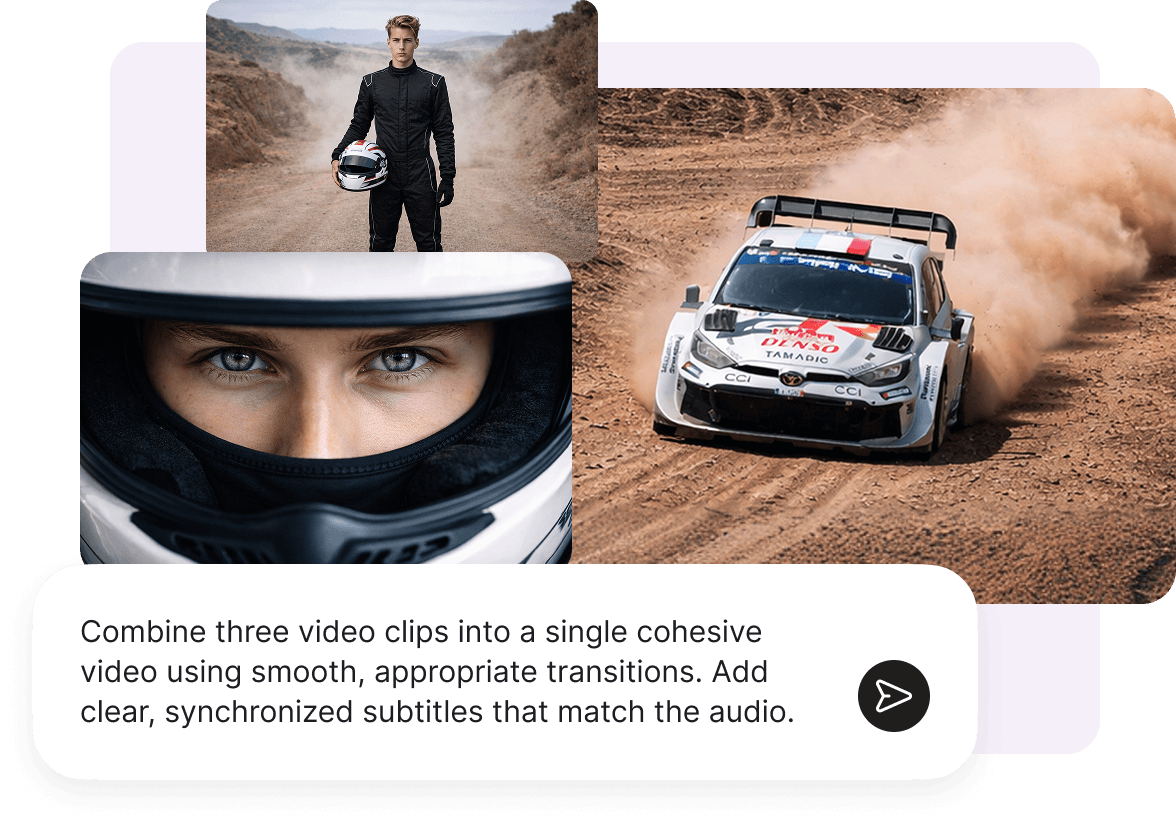
Install the VN skill and connect it to your preferred AI agent in minutes. Supports macOS and Windows.
Make sure you have installed OpenClaw
Install VN Skill for OpenClaw
Use ClawHub to install
clawhub install vn-skill Or you can setup manually
Download the ZIP and extract it to the Skills directory, usually `~/.openclaw/workspace/skills`.
Restart OpenClaw to activate the new Skill.
 Download
Enable MCP Server in VN desktop app
Chat with OpenClaw and enjoy the VN skill
Nine CLI tools for every media workflow — extraction, compression, captions, denoising, and more.
Extract audio tracks from video files and export as standalone audio files.

Capture a frame at first, last, or any custom timestamp from a video.

Compress or resize images to minimize size.

Re-encode video with adjustable resolution, frame rate, and bitrate.

Merge video clips in sequence with transitions.

Detect speech, generate subtitles, and burn them into the exported file.

Remove backgrounds automatically.

Import an .srt subtitle file and burn captions into your exported video.

Remove noise from audio or video for clean output.
Everything you need to know about the VN skill.
The VN skill supports macOS and Windows.
The VN skill integrates natively with OpenClaw. Register it as a skill, and your AI agent can call media processing commands directly — no manual intervention needed.
Yes. All processing runs locally on your machine. No internet connection is required after installation. Your media files never leave your device.
Yes. On macOS, the VN skill depends on the VN desktop app. Before use, open VN → Settings, enable the MCP Server option, and make sure the app has been granted Local Network access in System Settings → Privacy & Security. Once set up, your AI agent can communicate with the VN skill seamlessly.
The VN skill is free to install and use for personal projects.