
Auto Captions
Use [Auto Caption] when you want to generate caption for your video when the clip/audio have spoken words.
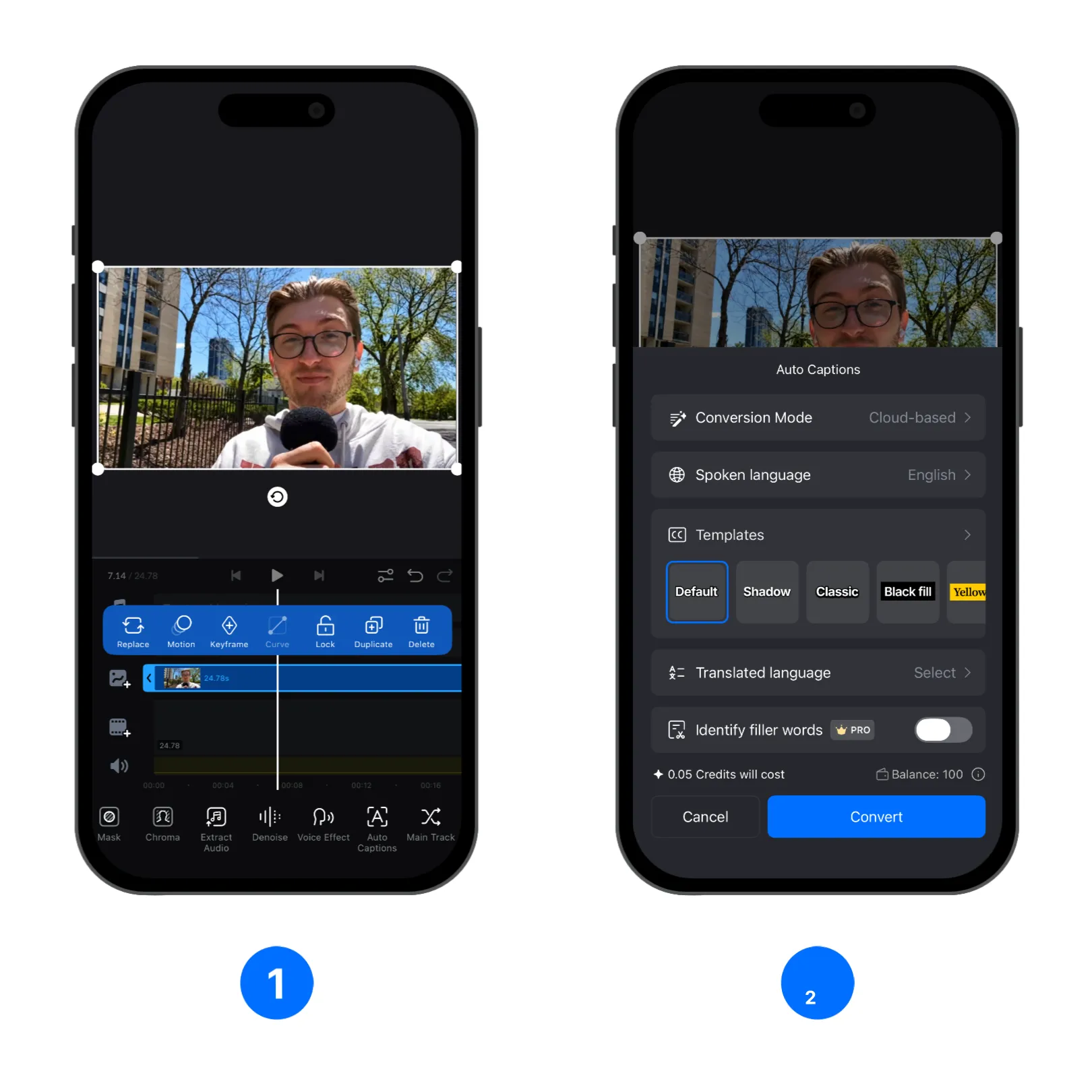
1. Select the clip or audio that have spoken words, tap the [Auto Captions].
2. Choose the settings you want to use from the Auto Captions interface. Change [Spoken language] so VN can generate captions more accurately. Or choose a [Templates] for the generated captions to change its visual.
Conversion Mode
- Tiny: For faster local processing, although it may produce less accurate results.
- Base: Uses a more advanced local model to produce better results than Tiny.
- Cloud-based: Generally produces the best results. Your audio is uploaded to the cloud for processing and deleted after processing is complete. Cloud-based conversion uses credits. For more information, see How Do Credits Work?.
If you use Cloud-based Conversion Mode, the below two options will show up:
- [Identify filler words]: This VN Pro function automatically identifies filler words such as “ah” and “well,” then prompts you to delete them. The corresponding video segments are also removed, making the video flow more naturally without unnecessary fillers or pauses.
- [Translated language]: Translate the generated captions into another language and choose a caption style: show the original caption above the translated caption, or show only the translated caption.
Caption Templates
You can choose a template for the generated captions.
Edit Captions
After the captions are generated, select the captions and Tap the [Edit] to enter the caption editing screen.
Text to Speech
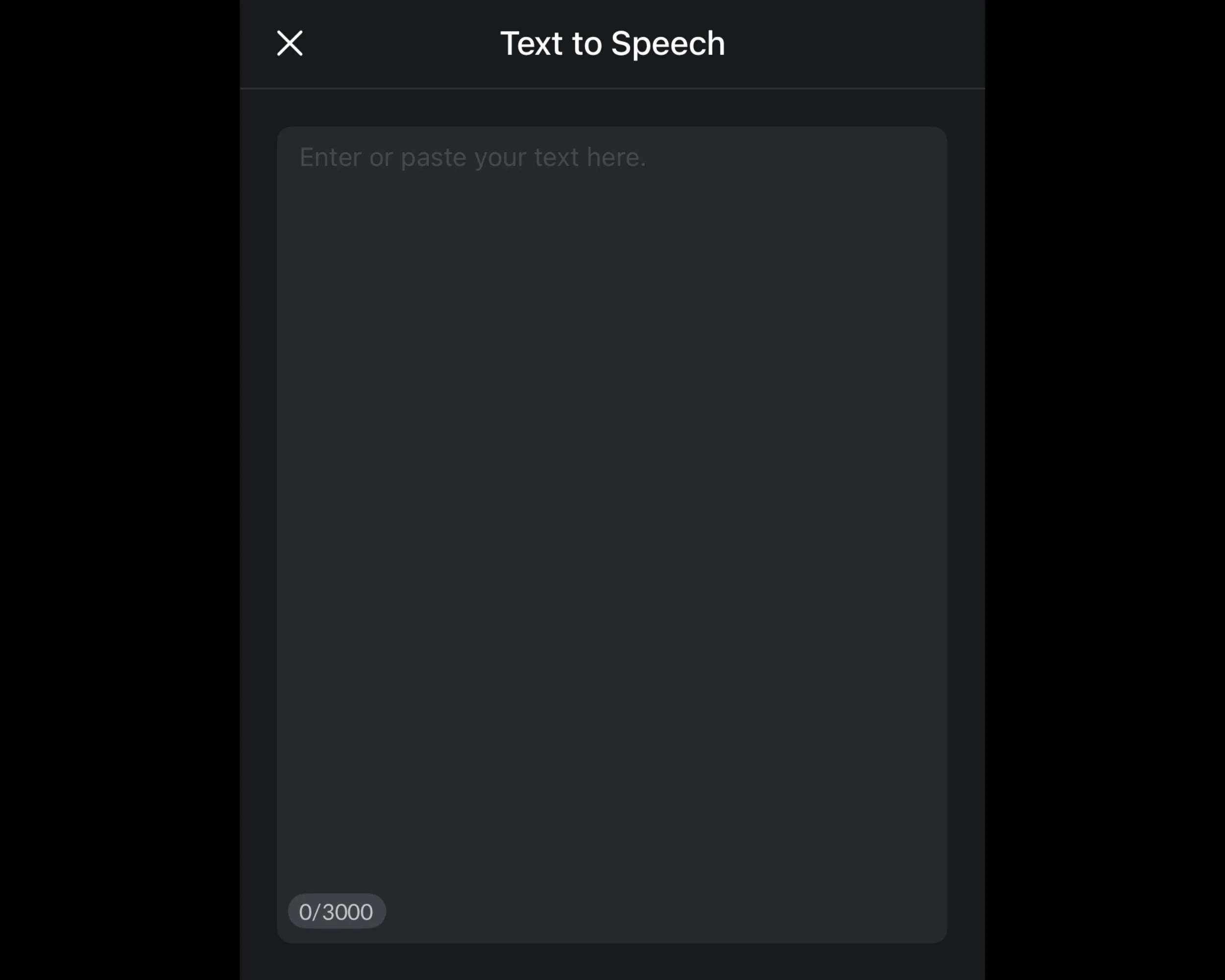
[Text to Speech] let you add speech into your video project just by providing lines of texts.
1. Tap the TTS button to open the Text to Speech interface
2. Enter or paste the text you want to convert to speech in the text input area. Select your preferred voice style, such as language, characteristics, and gender. Some voices can speak languages other than the selected language, creating a different vocal tone. Adjust the speech speed to match your video, then tap [Generate] to create the voice audio. Credits are required to generate the voice. For more information, see How Do Credits Work?.

3. Audio will be generated in the background. You can tap the top right progress whell to view all Text to Speech tasks' progress.
4. The generated speech will be added to the text track, and you can edit the font/color/etc. like any other text. If you don't want the caption to show, select a text and use [Opacity] then set it to 0.