동영상 편집, 효과 적용, 템플릿 사용, VN 관련 문제 해결에 필요한 모든 정보를 제공합니다.
여기서 시작하세요: VN 동영상 편집 기초를 배우고 첫 프로젝트를 만들어 보세요.
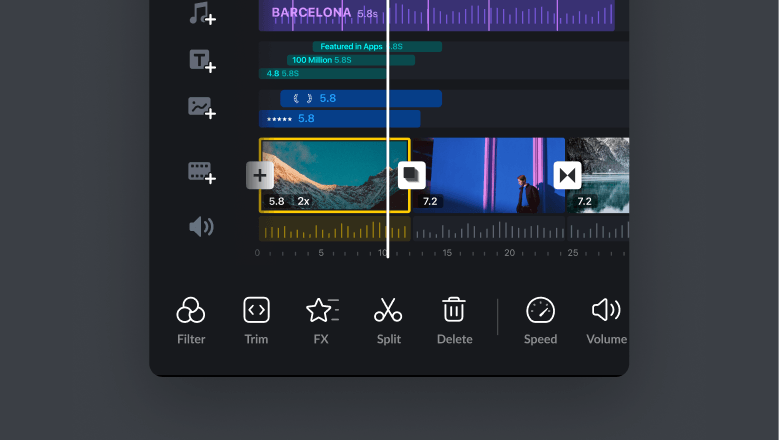
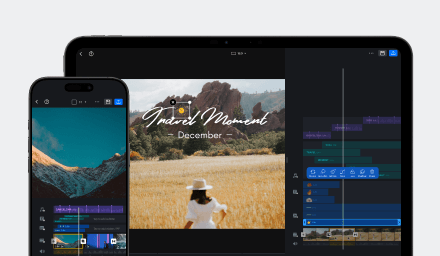
Learn about basic video editing for your first video in VN Video Editor.
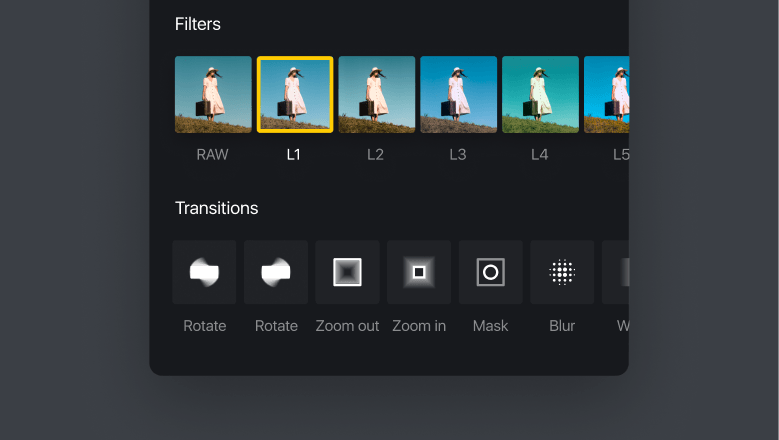
Learn how to add video transitions, apply effects like mosaic and magnifier, blur videos, reverse playback, and apply effects to all clips in bulk.
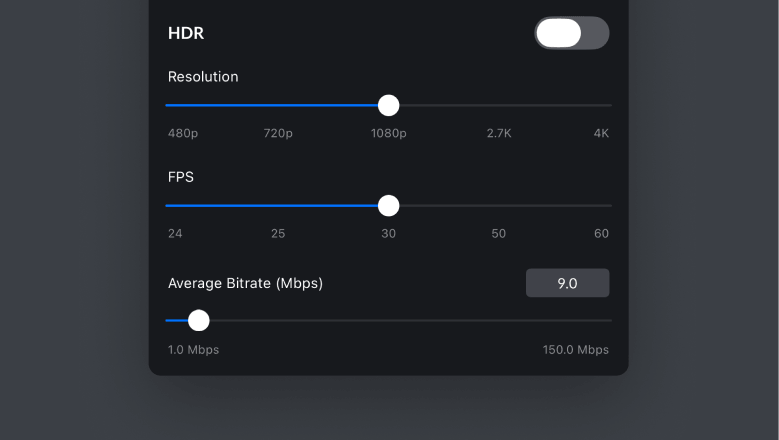
Lean how to configure export settings including resolution, FPS, and audio.
카테고리별로 정리된 VN의 전체 기능 라이브러리를 살펴보세요.
Basics for creating, editing, exporting, and sharing your first video.
Tools for captions, effects, motion, filters, cutout, masking, chroma key, and more expressive edits.
Sync your video clips to music beats — manually or with auto beat detection.
Download, use, create, and share VN video templates with other creators.
Project sharing, VN Code, photo cutout, background replacement, and more features.
VN을 최대한 활용하는 데 도움이 되는 가장 많이 본 튜토리얼.
Learn which VN tools work without internet, how local processing supports privacy, and how to prepare templates, music, and Elements before going offline.
Learn how to choose the right creation workflow, prepare replaceable media, and build VN templates that are easy for others to use.
Learn how BeatsClips works and choose the right method for creating a rhythm-based VN template.
Learn how to use keyframes to adjust audio, animate materials, and create smoother transitions and motion effects in your videos.
Learn about basic video editing for your first video in VN Video Editor.
원하는 정보를 찾지 못하셨나요? VN 지원팀에 문의하세요.