
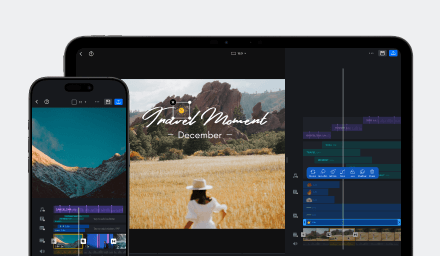
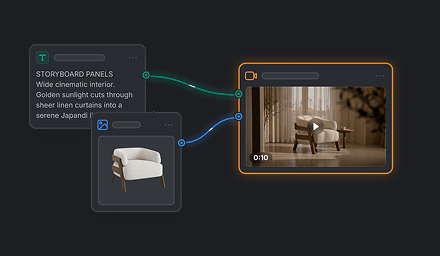

GPT Image 2.5 Sunburst and GPT Image 2.5 Flare are image models available in VN. Both draw on the GPT Image 2.5 family’s image quality and editing capabilities, while emphasizing different priorities. Flare favors speed for general creative work; Sunburst favors precision for detailed refinement.
Comparison at a Glance
| Model | Main strengths | Best suited to |
|---|---|---|
| GPT Image 2.5 Flare | Faster generation for general image creation and editing, with support for quick iteration. | Exploring concepts, comparing visual directions, and making revisions efficiently. |
| GPT Image 2.5 Sunburst | Precision for detailed creative work, focused edits, and polished imagery. | Refining a chosen direction when fine detail and careful control matter. |
What We Have Found
The main distinction is the balance between turnaround and precision. Flare is positioned as the faster, general-purpose option and is useful when you want to explore or revise several ideas. Sunburst takes longer and is designed for a more precise approach to detailed creative work. Neither is universally better: the right choice depends on whether speed or fine control is more important for the image you want to make.
Both models can be used for image creation and editing in VN. Their shared capabilities make it possible to explore a direction with Flare and then consider a more precise Sunburst pass if the image needs detailed refinement. Results can vary, so judge them by how well they meet your particular creative goal.
Choose by Image Task
| Your goal | Model to consider | Why |
|---|---|---|
| Explore a concept or compare several visual directions | Flare | Its faster generation path supports quicker exploration. |
| Create or revise everyday creator and product imagery | Flare | It balances image quality with turnaround for general creative work. |
| Make a focused change while preserving the broader composition | Sunburst | Its precision focus suits targeted edits. |
| Refine fine details in a selected direction | Sunburst | It is designed for detailed, polished creative work. |
Choose based on the stage of your image project. You can begin with Flare while exploring and use Sunburst when a later pass calls for more precision. Compare the result against the details you want to preserve or change, since the same creative direction may be interpreted differently by each model.