

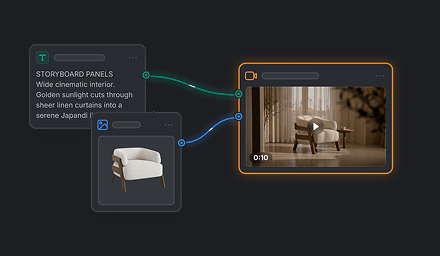

H3 Max is a video model for creating high-quality clips with clear motion and detailed scenes. It is suited to creative work where a strong visual finish and responsive direction are priorities.
H3 Max strengths
| Strength | What it offers | Example use |
|---|---|---|
| Fast generation with strong quality | Combines a quick generation profile with a quality-focused result. | Explore short video ideas and iterate while maintaining strong visual quality. |
| Prompt understanding and aesthetics | Designed to interpret creative direction while producing visually appealing results. | Use when both the visual style and faithful reading of the brief matter. |
| Flexible scene creation | Supports a range of scene concepts and visual directions. | Develop different kinds of short video ideas. |
Video models are available in AI Edit and in related functions on the Kits page. Availability may vary by feature.