
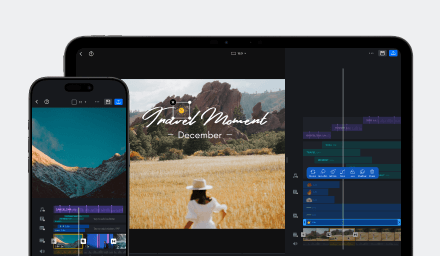
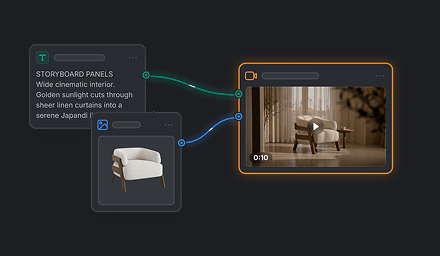

Seedance 2.0, Seedance 2.0 Fast, and Seedance 2.0 Mini are video models available in VN. They share a focus on expressive generated video, but each is suited to a different stage of creation: Mini for early exploration, Fast for quicker iteration, and Seedance 2.0 for more ambitious, detailed clips.
Comparison at a Glance
| Model | Main strengths | Best suited to |
|---|---|---|
| Seedance 2.0 | Rich visual direction, complex motion, multi-shot storytelling, coordinated audio and video, and output up to 4K. | Detailed scenes and polished clips where motion, camera direction, and audiovisual detail matter. |
| Seedance 2.0 Fast | A faster generation path that supports rapid creative iteration. | Comparing creative directions, refining a scene, and checking how an idea feels in motion. |
| Seedance 2.0 Mini | Lightweight generation for early-stage concepts. | Quickly exploring a scene or deciding whether an idea is worth developing. |
What the Differences Mean
The three variants give VN users a choice among different creative priorities. Seedance 2.0 offers the broadest emphasis on detail, complex scenes, and finished output. Fast is intended to shorten the cycle of trying and revising ideas. Mini provides a lighter way to explore an initial direction. These descriptions indicate intended strengths; actual generation time and results can vary.
The same creative idea may look different across the models. When comparing them, focus on the qualities that matter for your project, such as motion clarity, subject consistency, scene detail, or how well the result supports your intended story.
Choose by Creative Stage
| Your goal | Model to consider | What to look for |
|---|---|---|
| Explore whether an early video idea works | Seedance 2.0 Mini | Is the main action or scene direction promising? |
| Try variations and refine a promising direction | Seedance 2.0 Fast | Which version has the motion, pacing, and visual style you want? |
| Create a more detailed or polished clip | Seedance 2.0 | Are the scene details, motion, and audiovisual result ready for your intended use? |
A practical approach is to start with the model that matches your current goal, then consider another variant if your priorities change. For example, explore a concept with Mini or Fast, then use Seedance 2.0 when a later version needs more detail or a more developed sequence. Review the generated clip before deciding it is ready to use.