
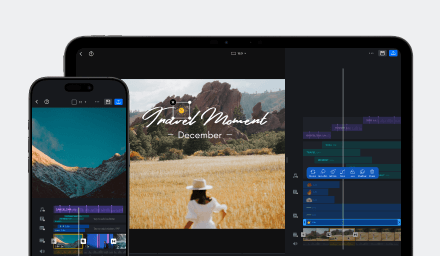
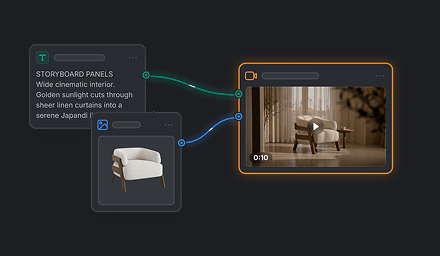

Seedance 2.0 is ByteDance’s multimodal video model for shaping a scene through motion, camera direction, and sound. In VN, it is the detail-focused option in the Seedance 2.0 family, with support for multi-shot clips and output up to 4K.
Seedance 2.0 strengths
| Strength | What it offers | Example use |
|---|---|---|
| Multimodal creative direction | Combines visual and audio guidance to shape composition, movement, camera, effects, and sound. | Create a scene with a defined subject, action, camera move, style, and sound direction. |
| Complex, physically plausible motion | Designed to improve motion stability, physical accuracy, and interactions. | Depict clear contact and cause-and-effect, such as picking up or passing an object. |
| Multi-shot audiovisual storytelling | Creates connected shots with synchronized audio in clips up to 15 seconds. | Tell a compact story or build a short commercial with a clear progression. |
| Camera and performance direction | Responds to camera movement, lighting, shadows, and subject performance. | Shape a cinematic reveal or direct a performance with a specific pace and framing. |
| 4K output | Supports high-resolution output for detailed final video. | Create polished clips for high-detail viewing. |
Video models are available in AI Edit and in related functions on the Kits page. Availability may vary by feature.