
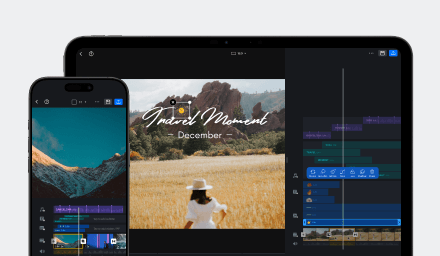
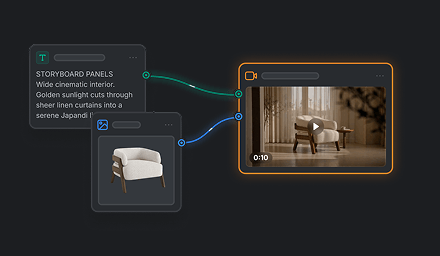

Video Editing
Select one video track to edit.
Drag the handle to trim video.
Zoom in the timeline for more precise editing.
Zoom out to preview the entire timeline.
Long press a video clip to swap.
Add Video Clips
Tap the [+] to add video clips.
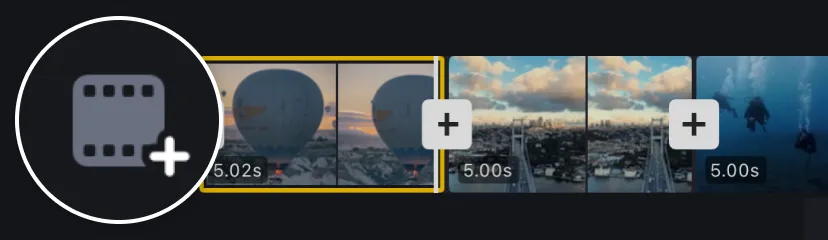
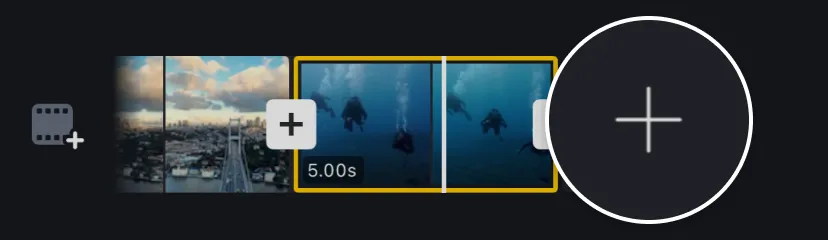
Move to the end and Tap the [+] to add an outro clip.
Change Video Ratio
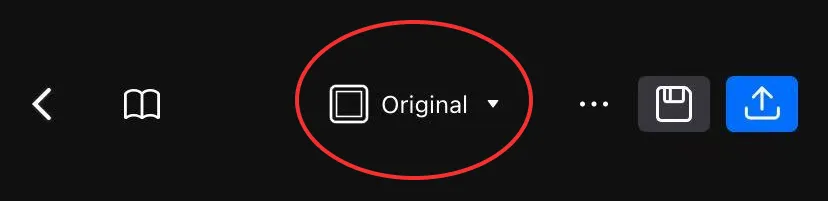
1. Tap on the aspect ratio at the top of the editor interface.
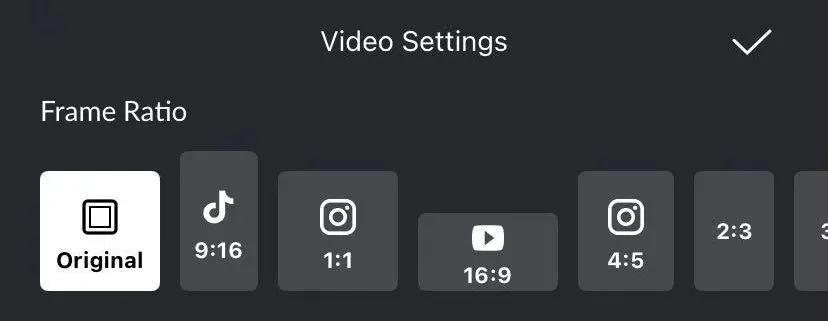
2. Select the most suitable ratio for your video.
Trim Videos Precisely
Multiple scales, support precise video trimming to the frame.
Split and Adjust Video Clip Duration
Move the timeline to the split point and Tap [Split].
Select the video clip and Tap the [Trim] to set the clip duration.