
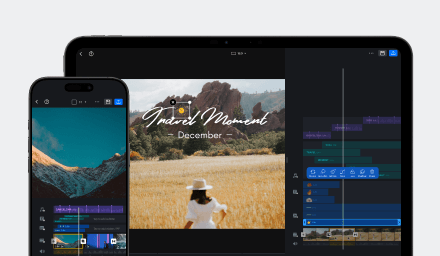
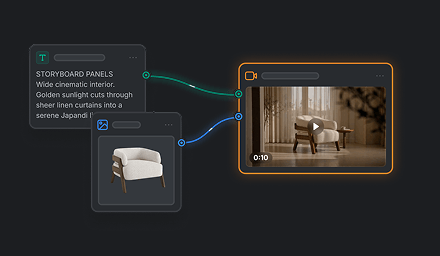
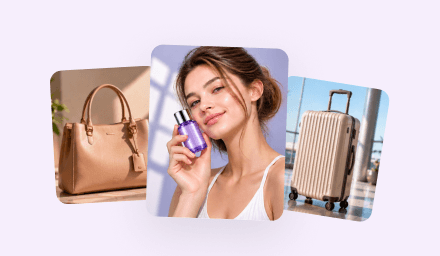



Social Media Creators
Turn a repeatable visual style into an easy template for thumbnails, posts, short videos, and recurring content series.
Build a custom AI workflow in CawCut, turn it into a guided VN Template, and share it by VN code for others to use in VN.
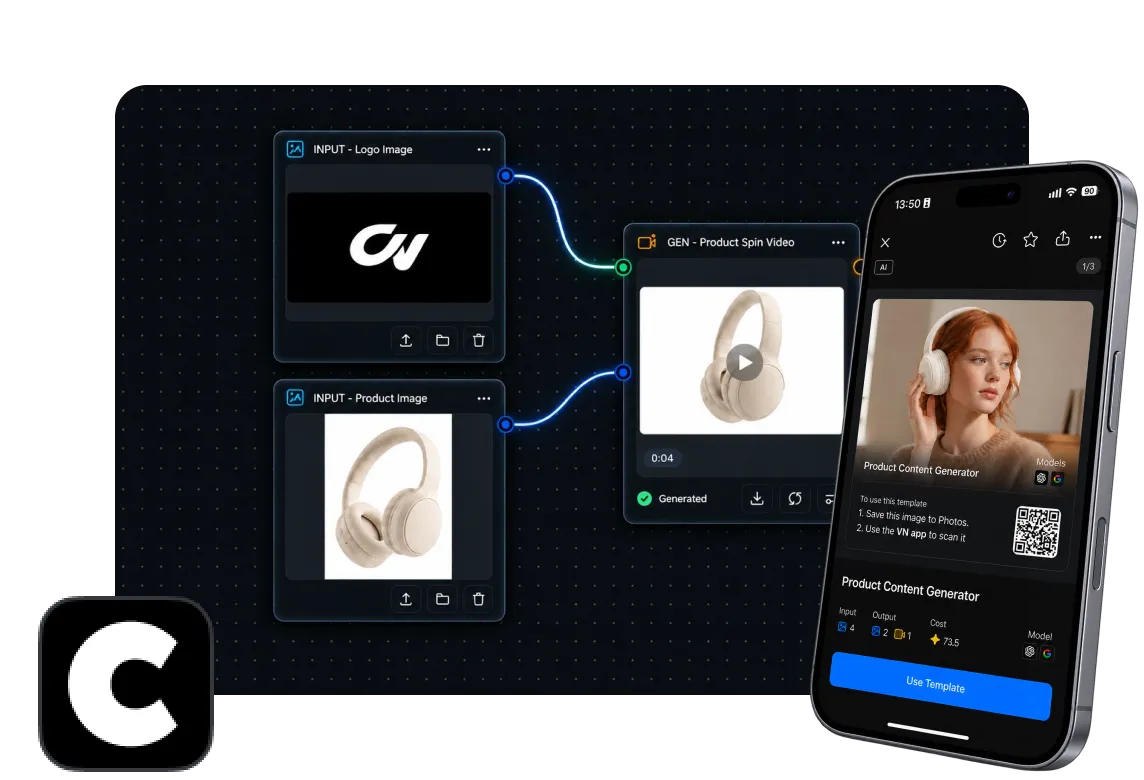
Connect text, image, storyboard, video, and processing nodes in CawCut to create an AI workflow for your exact creative goal.
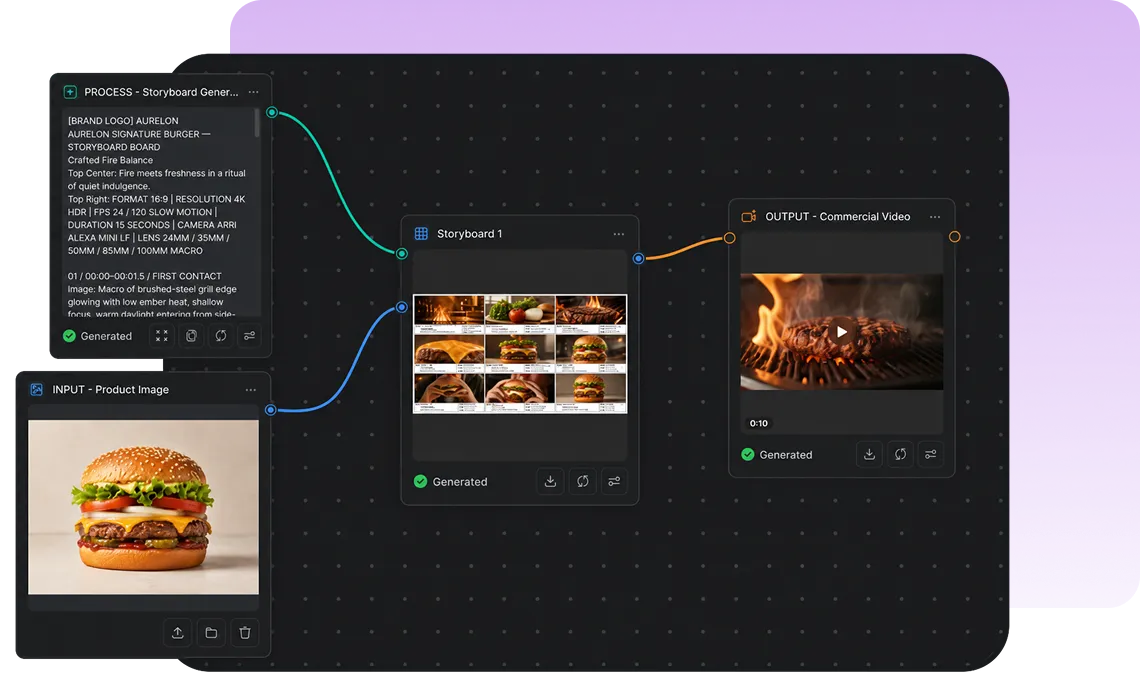
Choose only the text or image inputs users need to provide, keep prepared inputs when appropriate, and select the final image or video outputs they receive.
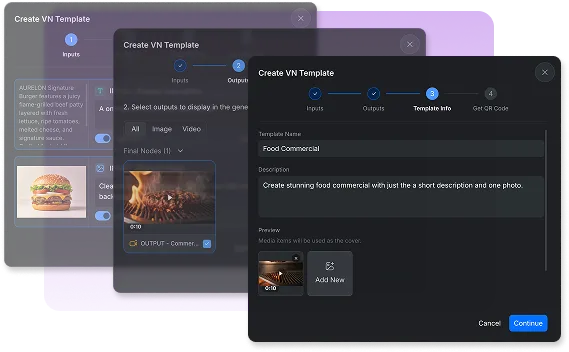
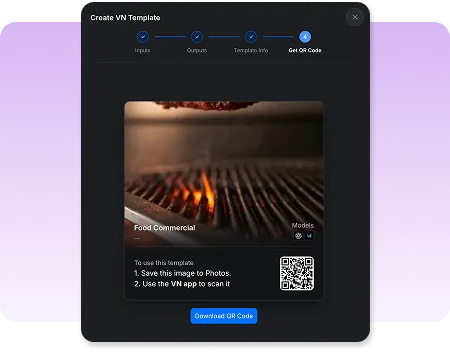
Share your creation with VN Code so others can simply scan it using VN app and use it without touching the workflow.
Turn a repeatable visual style into an easy template for thumbnails, posts, short videos, and recurring content series.

Guide teammates through approved inputs while the workflow handles brand direction, generation steps, and final outputs.

Package a specialized AI workflow as a simple VN Template and share it with your audience through a single QR code.
Everything you need to know about creating AI-powered VN Templates with CawCut.
It is a VN Template powered by a CawCut workflow. Users provide the selected text or images in VN, while the workflow handles the AI generation process and returns the intended image or video.
Yes. Sign in to CawCut to create or customize the workflow, test it, configure the VN Template, and generate its QR code.
Yes. You can open an official workflow template, replace its example content, adjust its nodes and settings, and use it as the foundation for your own VN Template.
No. Users only see the inputs you choose to expose and the final results. They do not need to open, understand, or edit the workflow behind the template.
You can let users provide selected text or image inputs and choose the final images or videos they receive. You can also keep content already included in the workflow when users do not need to replace it.
Generate the VN Template QR code in CawCut, scan it in VN to test the complete experience, then download and share the code with the template name and a short description.
Enhance image resolution for sharper visuals.
Generate subtitles in multiple languages instantly.
Remove backgrounds automatically with AI.
Enhance, transform, or create images with AI.
Auto-sync cuts to music beats for perfect timing.
Turn black-and-white images into realistic color.


