






Social Media Creators
Make your videos stand out with eye-catching styles. Quickly create scroll-stopping content for TikTok, Reels, and Shorts.
Transform your videos instantly with VN’s powerful filters. Apply stunning styles in one tap, then fine-tune every detail or import custom LUTs to create your own signature look.
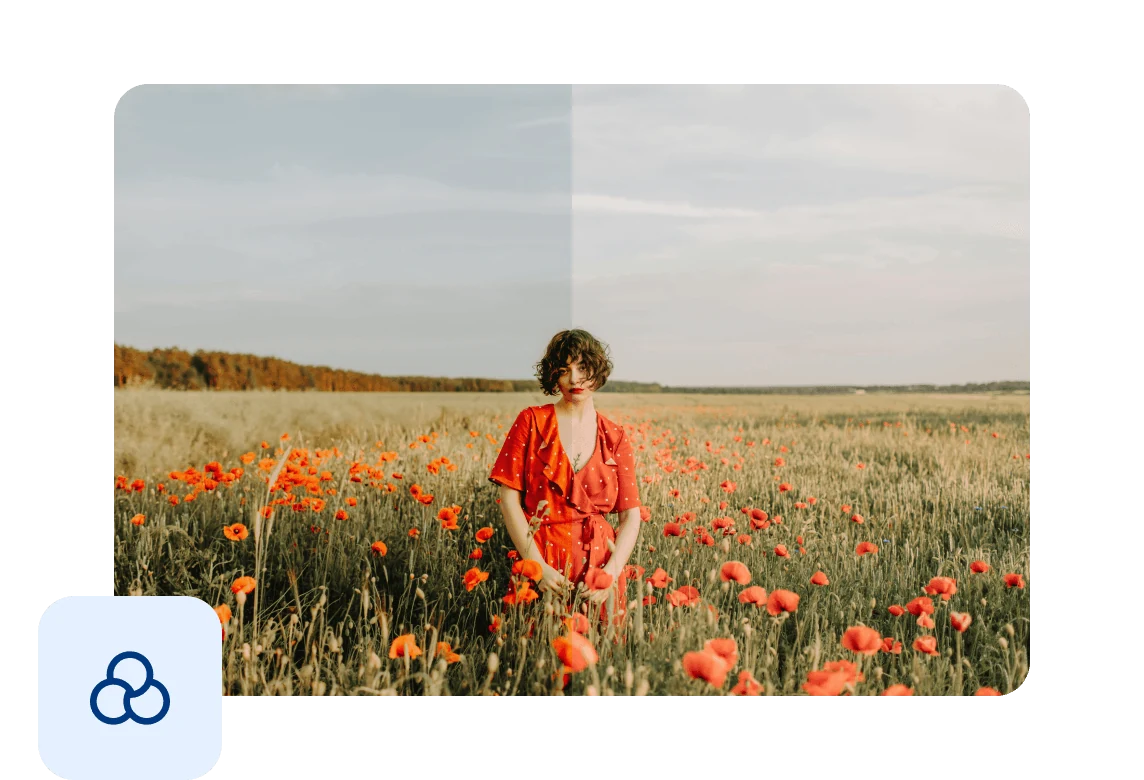
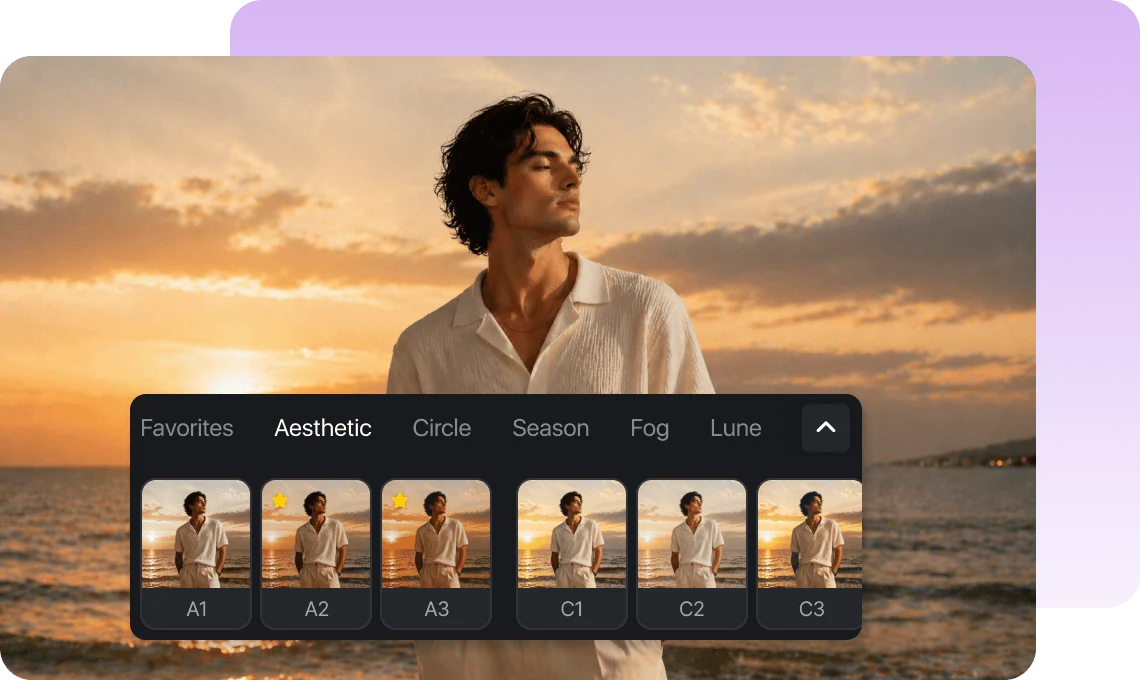
Apply beautifully designed filters in one tap. From cinematic tones to fresh Vlog styles, instantly enhance your footage without complex editing.
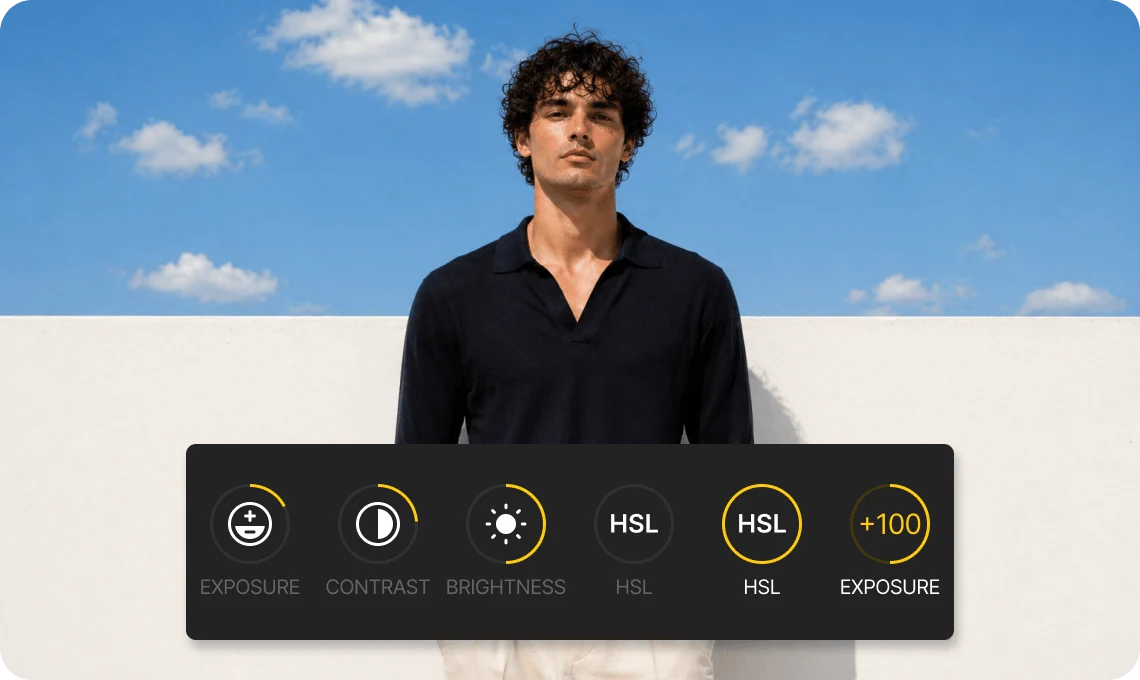
Adjust intensity, color, lighting, and more after applying a filter. Fine-tune your visuals to perfectly match your style and creative intent.
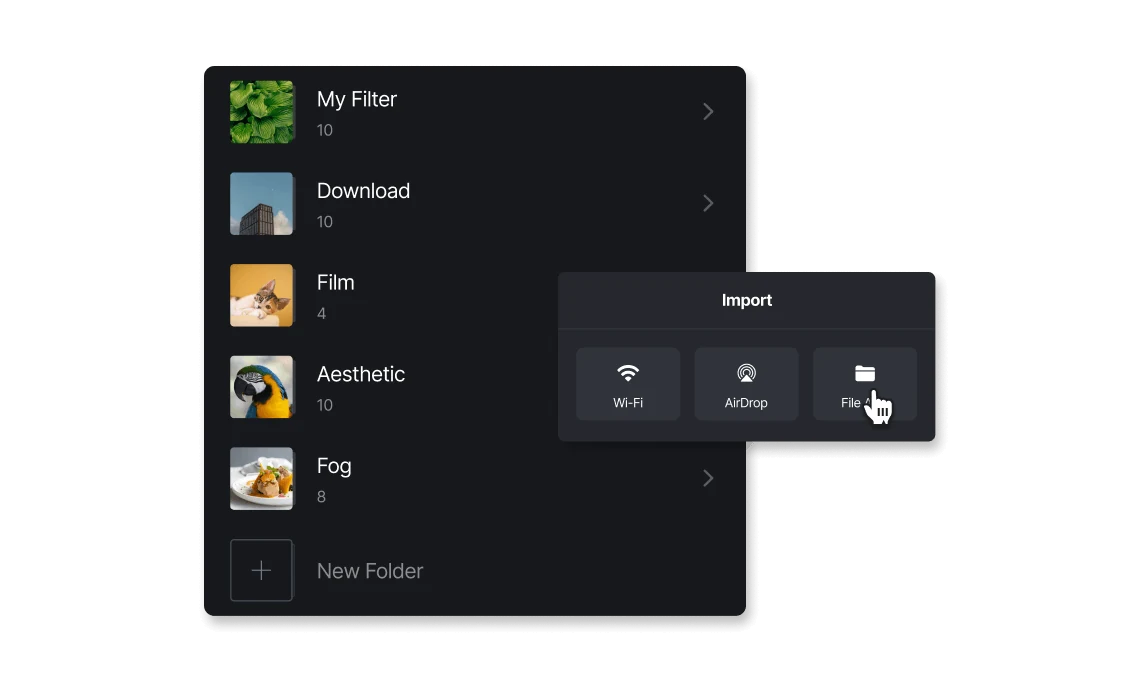
Import LUT files (.cube) to apply your own filter styles. Save your favorite looks and organize them for quick access anytime.
Make your videos stand out with eye-catching styles. Quickly create scroll-stopping content for TikTok, Reels, and Shorts.

Keep a consistent visual style across your videos. Match colors, mood, and atmosphere effortlessly with the right filters.

Take full control with LUT imports and advanced adjustments. Achieve professional-grade color results directly on your mobile device.
Everything you need to know about VN's Filters
Filters are preset visual styles that instantly change the color and mood of your video with one tap.
Select a clip on the timeline, open the Filters panel, and choose a style. You can adjust intensity or fine-tune settings after applying.
Yes. You can adjust color settings and save them as presets, or import your own LUTs for fully customized looks.
Yes. VN supports importing LUTs (.cube files), making it easy to apply professional color styles.
VN offers a wide range of filters for free with no watermark. Some advanced filters are available for Pro users, giving you access to more premium styles and looks.
Enhance image resolution for sharper visuals.
Generate subtitles in multiple languages instantly.
Remove backgrounds automatically with AI.
Enhance, transform, or create images with AI.
Auto-sync cuts to music beats for perfect timing.
Turn black-and-white images into realistic color.


