




Characters & Storytelling
Give different people in a skit, short film, or animated story distinct voices to help each character stand out.
Give your video a new voice with Characters in VN Voice Switch. Explore expressive AI voices in multiple languages.
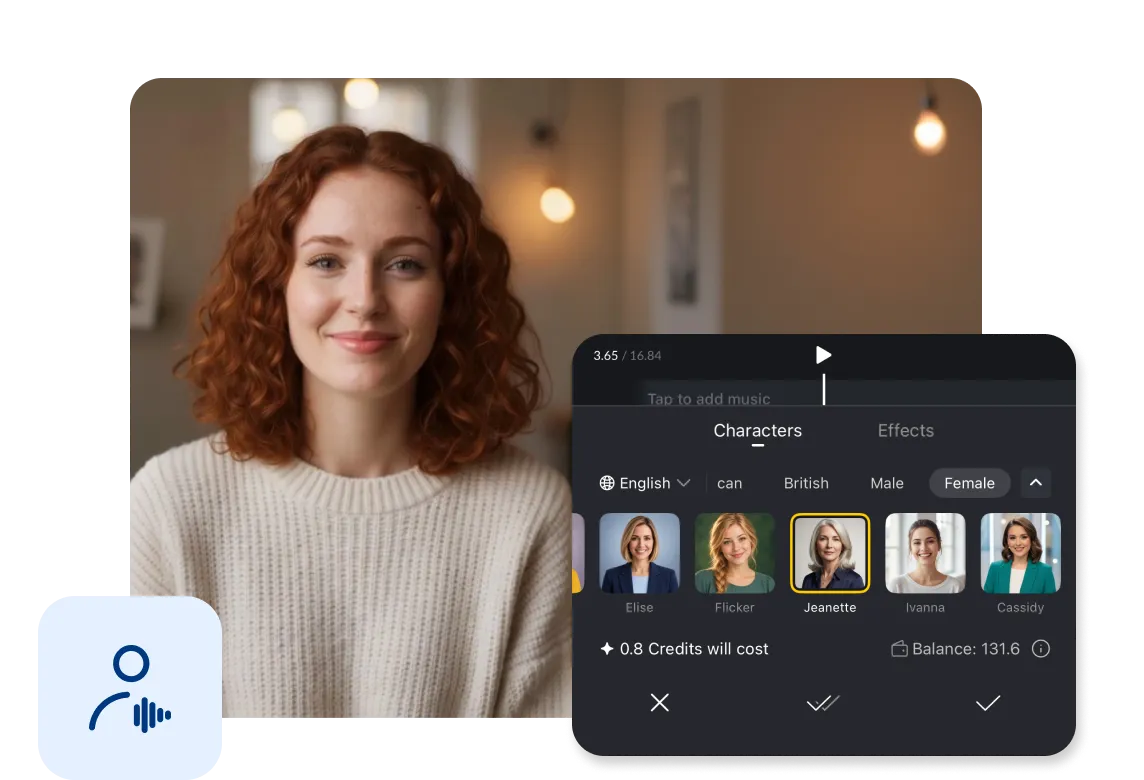
Select a video or audio clip, open Voice Switch, then choose a language and character in the Characters tab. VN then process the selected voice and create the transformed result.
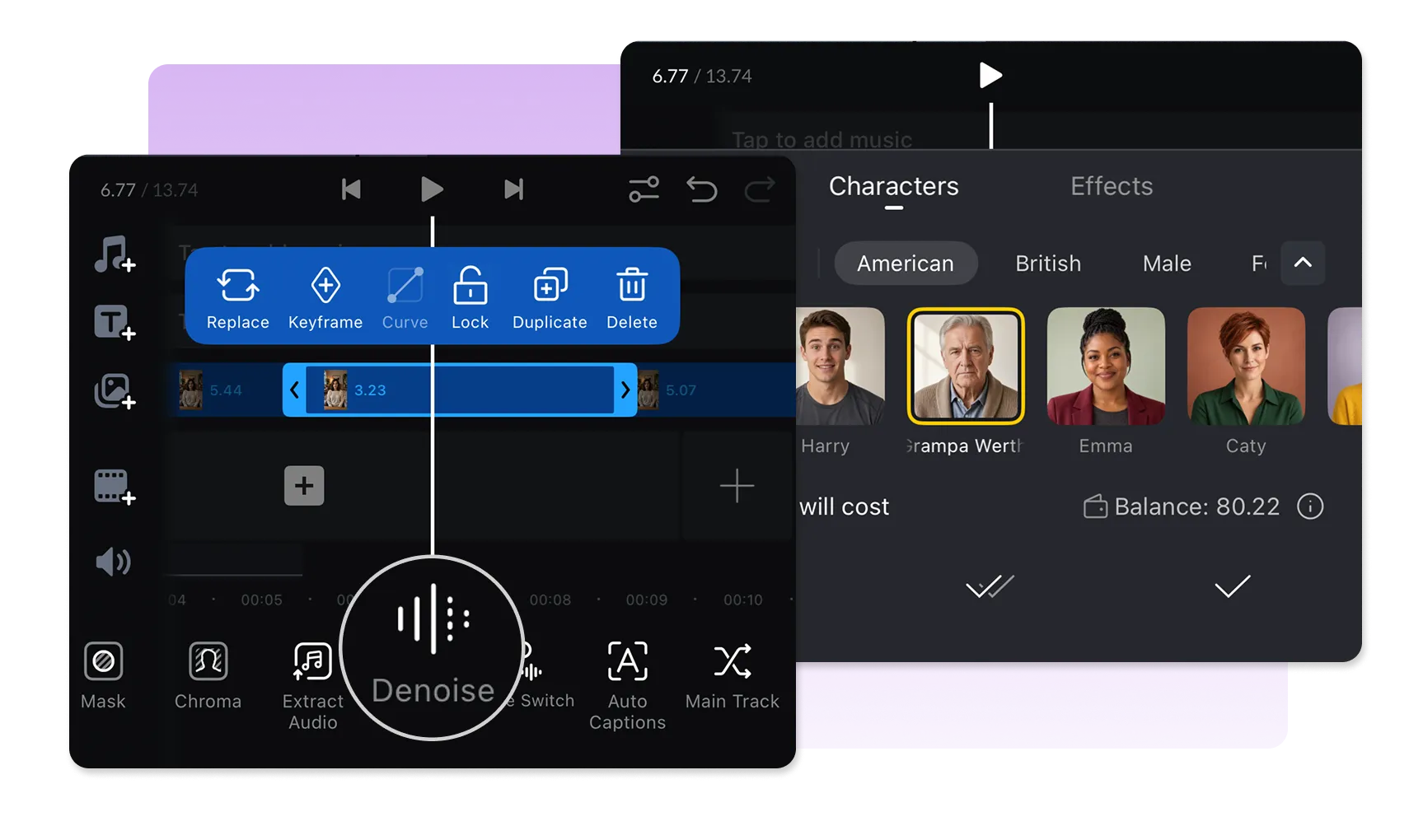
Explore voices with different accents, genders, ages, and expressive tones. Tap a character portrait to hear a preview, then choose the voice that fits your scene.
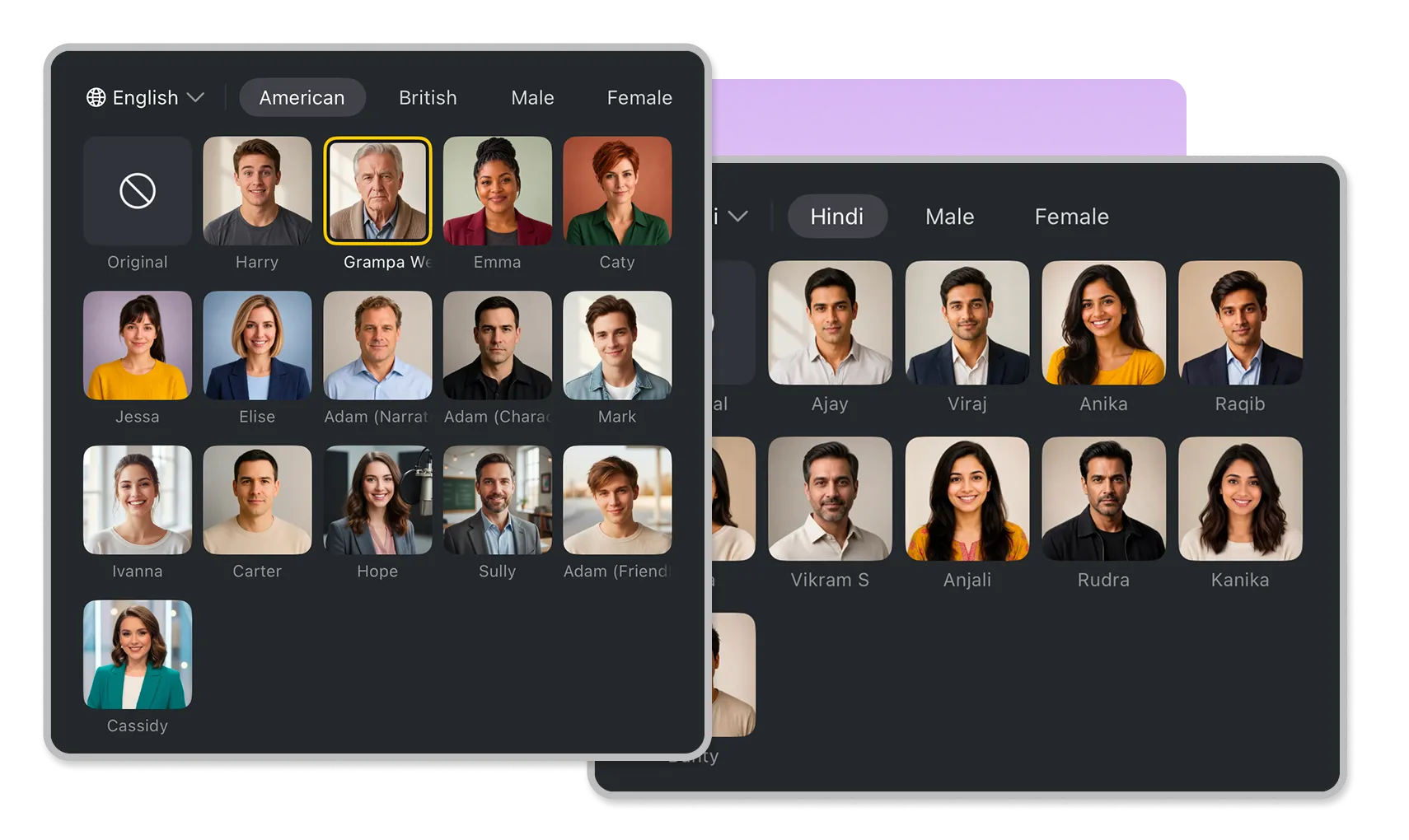
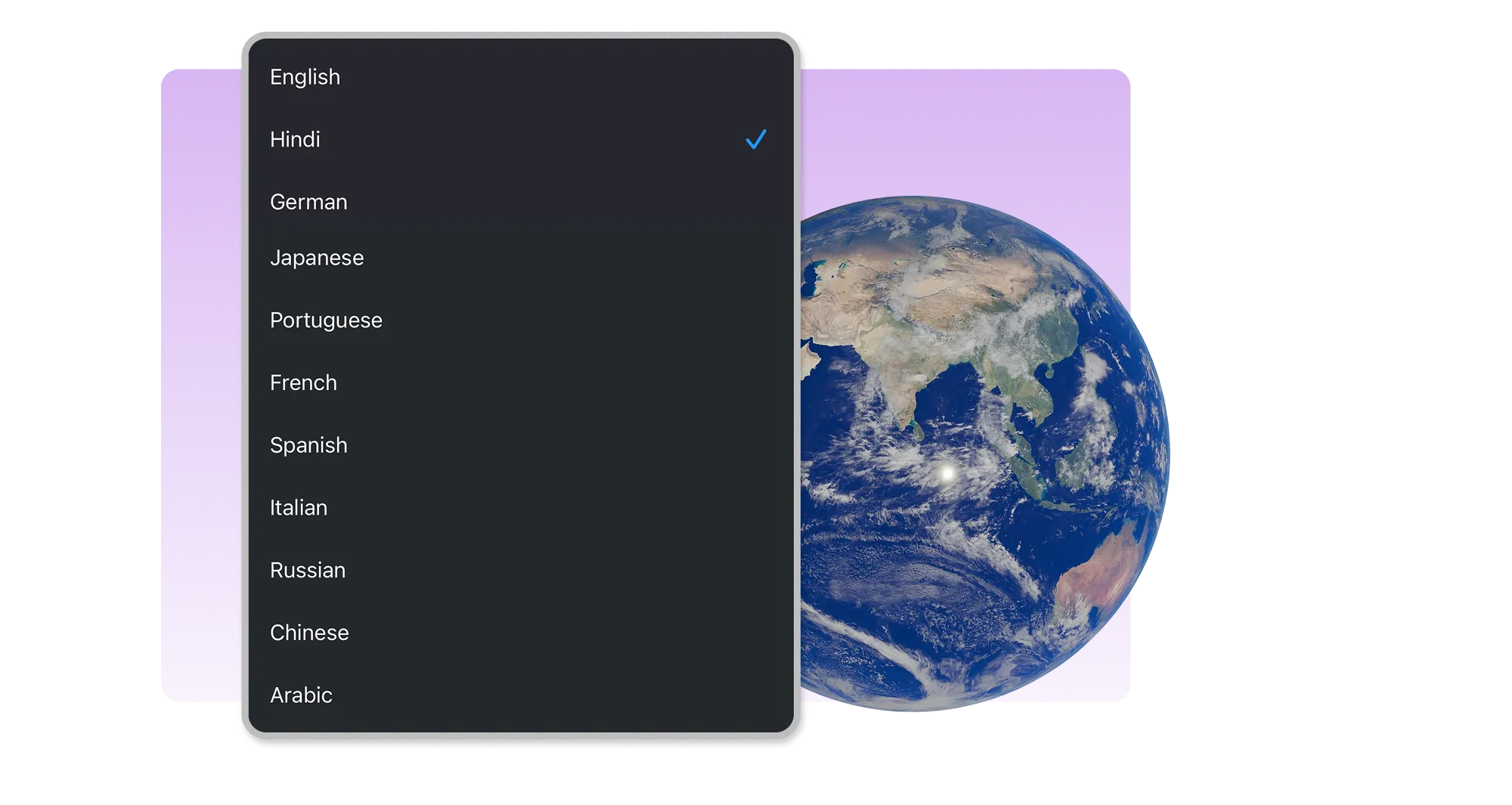
Browse the language options for your project, including English, Japanese, German, Hindi, French, Portuguese, Italian, Spanish, Russian, Chinese, and Arabic. English includes American and British accents.
Give different people in a skit, short film, or animated story distinct voices to help each character stand out.

Create voice variations for content in Chinese, Arabic, and other supported languages, with character options suited to the tone of your video.

Try a fresh vocal style for a narration, reaction, or social video. Preview available characters and pick the sound that works for your edit.
Here’s what to know about Characters in VN Voice Switch.
Characters is an AI feature in Voice Switch that transforms the voice in a selected video or audio clip. You can choose among character voices with different languages, accents, genders, ages, and vocal styles.
Supported languages include English, Japanese, German, Hindi, French, Portuguese, Italian, Spanish, Russian, Chinese, and Arabic. English includes American and British accents. Available voices can vary by language and character.
Some character voices may speak languages other than the language selected in the menu. The result can retain characteristics of the selected voice, such as an accent.
Open your project, select a video or audio clip, then tap Voice Switch in the toolbar. In the Characters tab, choose a language, browse and preview the character voices, and select one for processing.
Yes. The selected audio is uploaded to the cloud for AI processing and deleted after processing is finished.
Yes. Processing uses credits. Check the estimated cost shown in Voice Switch alongside your credit balance before starting.
Enhance image resolution for sharper visuals.
Generate subtitles in multiple languages instantly.
Remove backgrounds automatically with AI.
Enhance, transform, or create images with AI.
Auto-sync cuts to music beats for perfect timing.
Turn black-and-white images into realistic color.


