
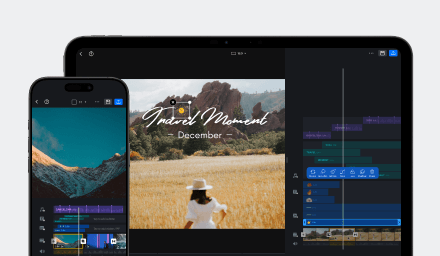
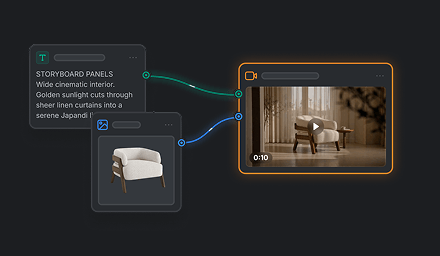




Social Media Creators
Quickly cut clips to match fast-paced trends. Keep only the most engaging moments for TikTok, Reels, and Shorts.
Trim and split your clips to remove unwanted parts, keep only the best moments, and fine-tune timing with frame-level precision for clean, professional edits.
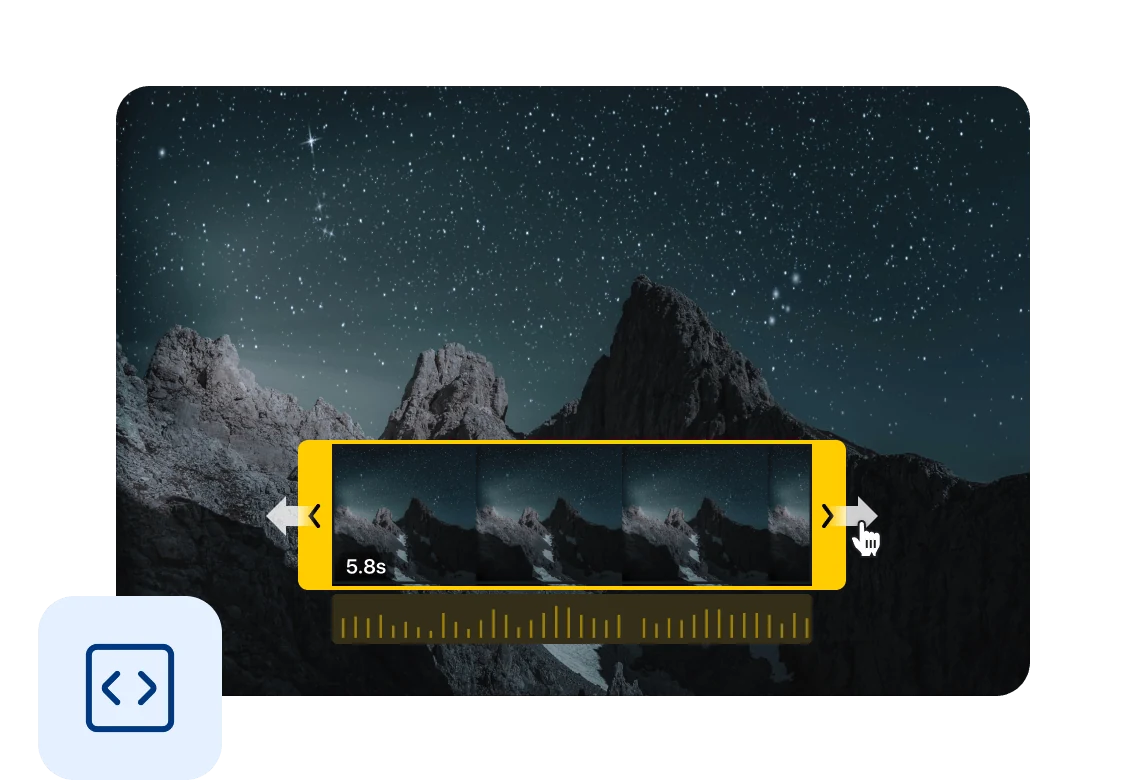
Trim clips with frame-level precision to get exact start and end points. Perfect for polishing cuts and syncing with music or action.
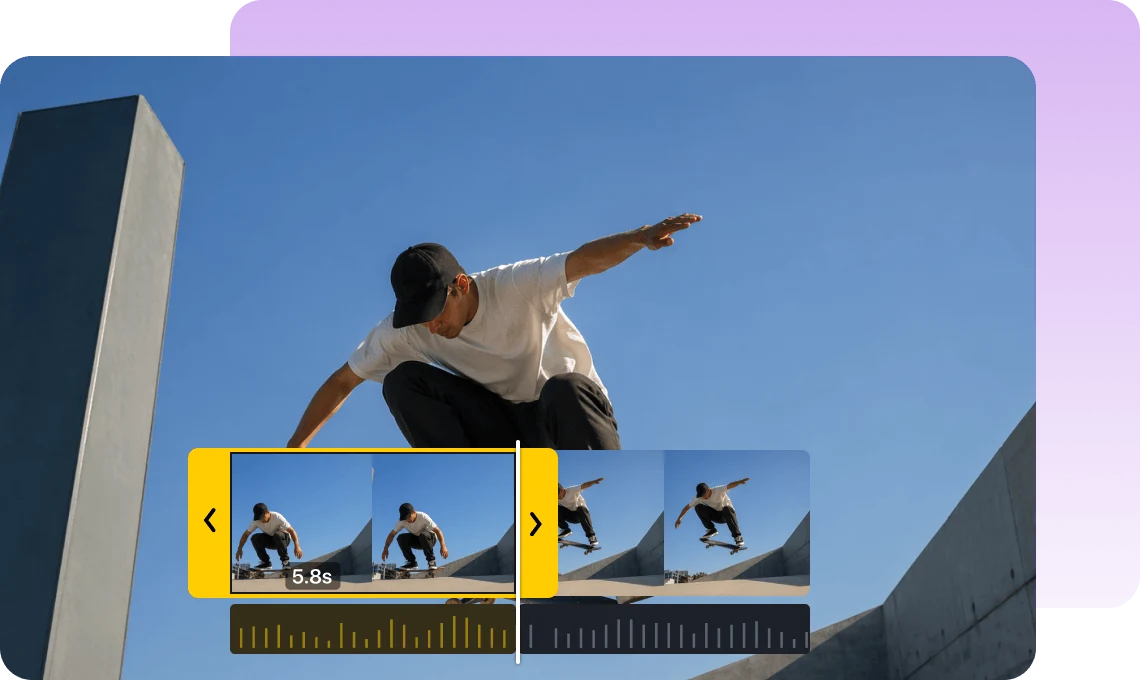
Simply drag the clip edges to trim in seconds. No complicated tools — fast, intuitive, and beginner-friendly.
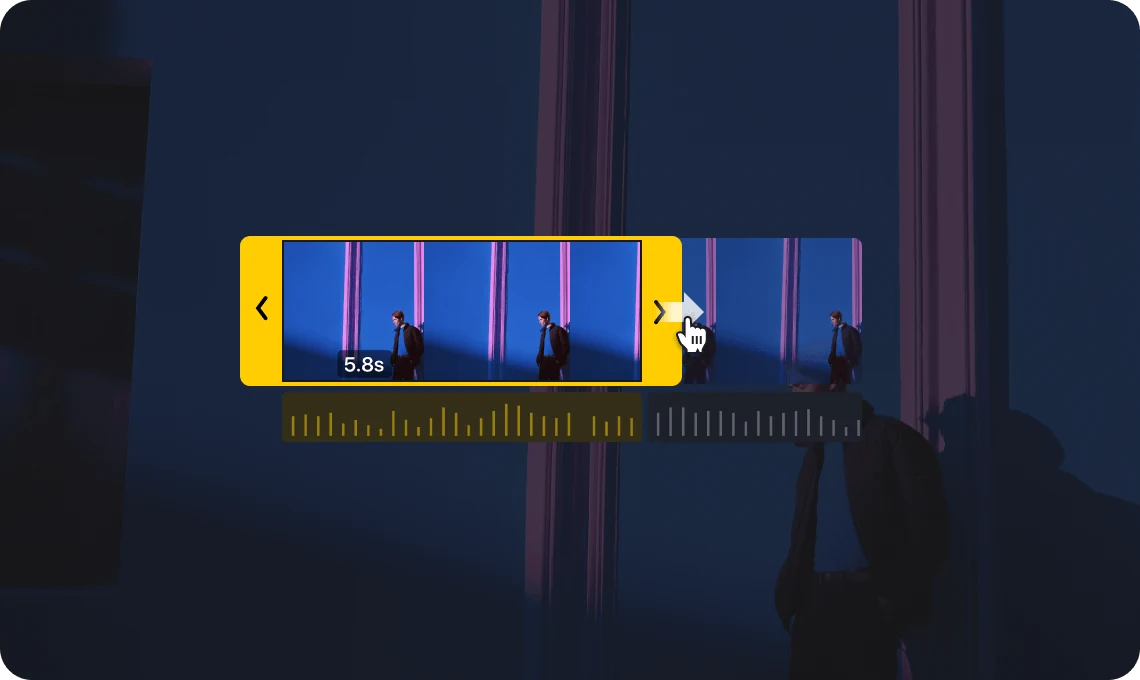
Easily split, move, and arrange clips on the timeline to shape your story flow.
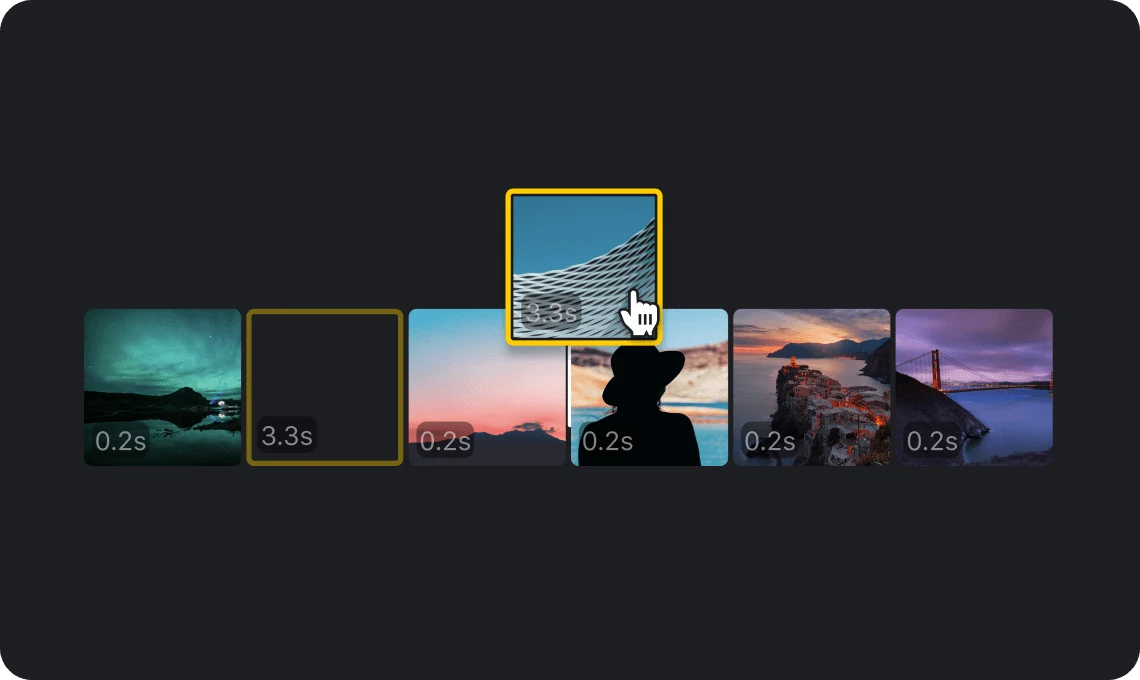
Quickly cut clips to match fast-paced trends. Keep only the most engaging moments for TikTok, Reels, and Shorts.

Trim out mistakes, pauses, or unnecessary parts to create clean, focused, and easy-to-follow lessons for your audience.

Refine product demos and promotional videos by cutting straight to the key message and keeping your content clear and impactful.
Everything you need to know about VN's Trim feature.
Trim allows you to cut the beginning or end of a clip to remove unwanted parts and keep only the sections you need.
Select a clip on the timeline and drag its edges to adjust the start or end point. You can also combine trimming with split for more precise edits.
Yes. VN supports frame-level precision, allowing you to fine-tune your edits for perfect timing.
Trim adjusts the start or end of a clip, while Split cuts a clip into separate segments so you can remove or rearrange parts.
Yes. Trim is a core editing feature in VN and is completely free to use with no watermark.
Enhance image resolution for sharper visuals.
Generate subtitles in multiple languages instantly.
Remove backgrounds automatically with AI.
Enhance, transform, or create images with AI.
Auto-sync cuts to music beats for perfect timing.
Turn black-and-white images into realistic color.


