






Social Media Creators
Create smooth speed ramps for TikTok, Reels, and Shorts. Add motion that matches your music.
Shape your video speed with precision using curves. Use presets or customize timing for smooth, dynamic motion.
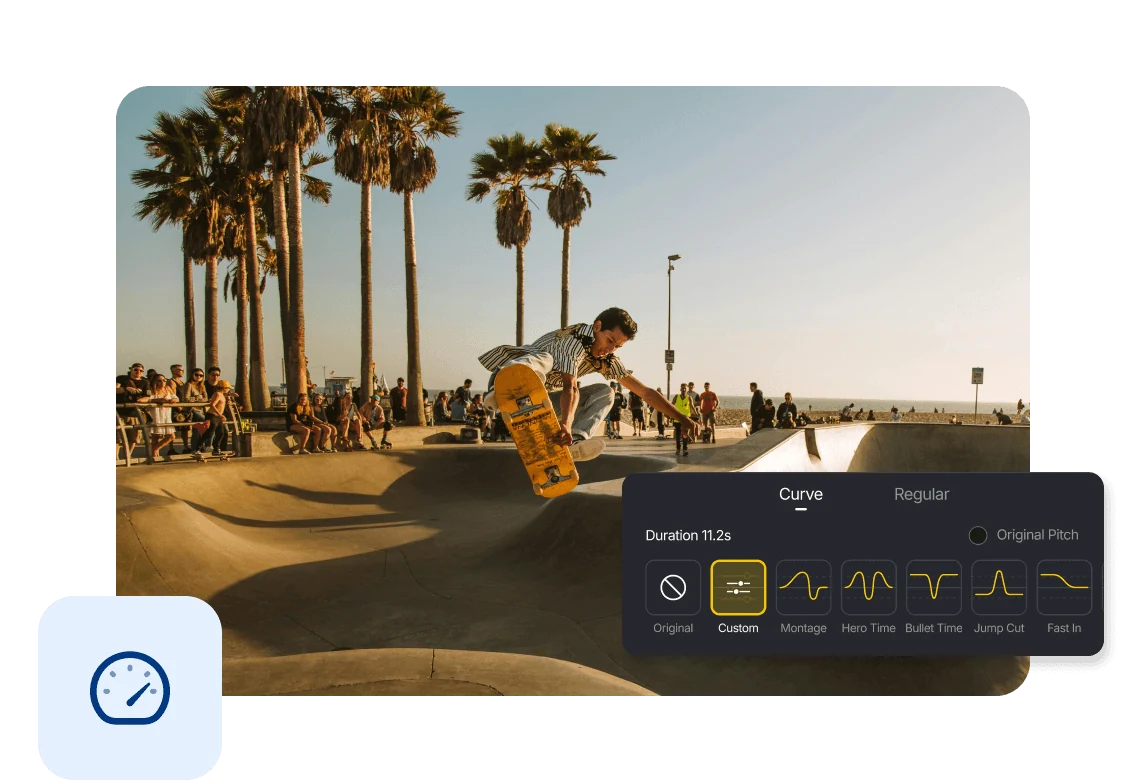
Choose from presets like Montage, Hero Time, Bullet Time, Jump Cut, Fast In, and Fast Out to create dynamic speed effects instantly.
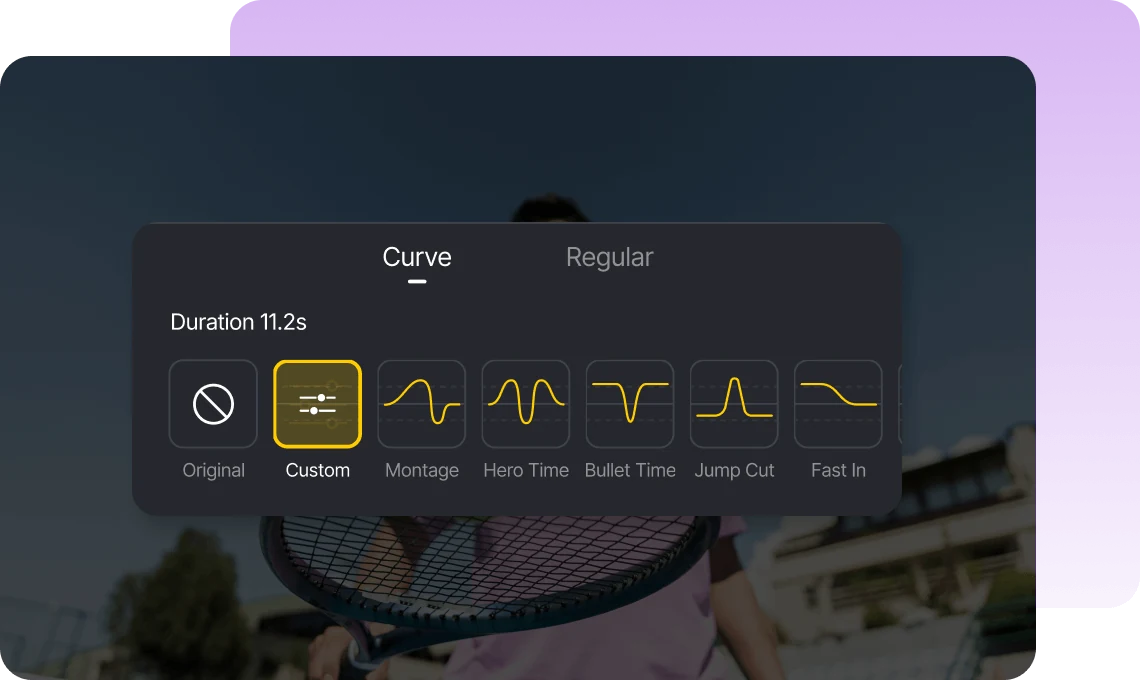
Customize your speed curve by adding, moving, or removing control points. Fine-tune timing to match your rhythm.
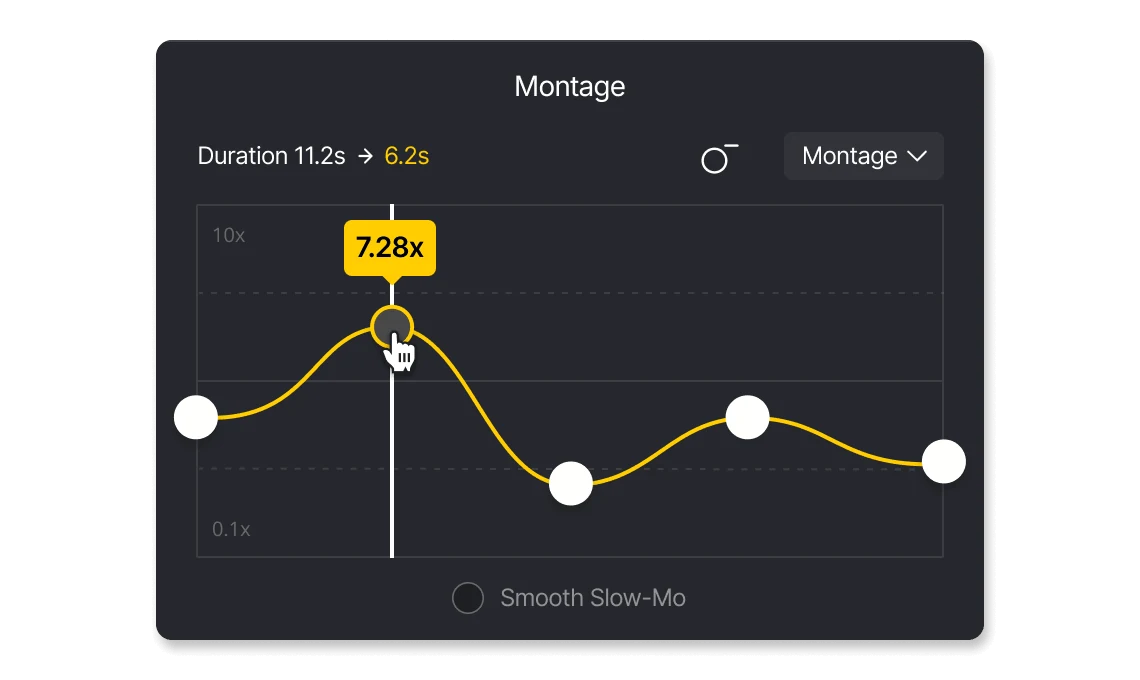
Adjust speed from 0.1x to 100x, or apply changes to all clips for consistent timing across your edit.
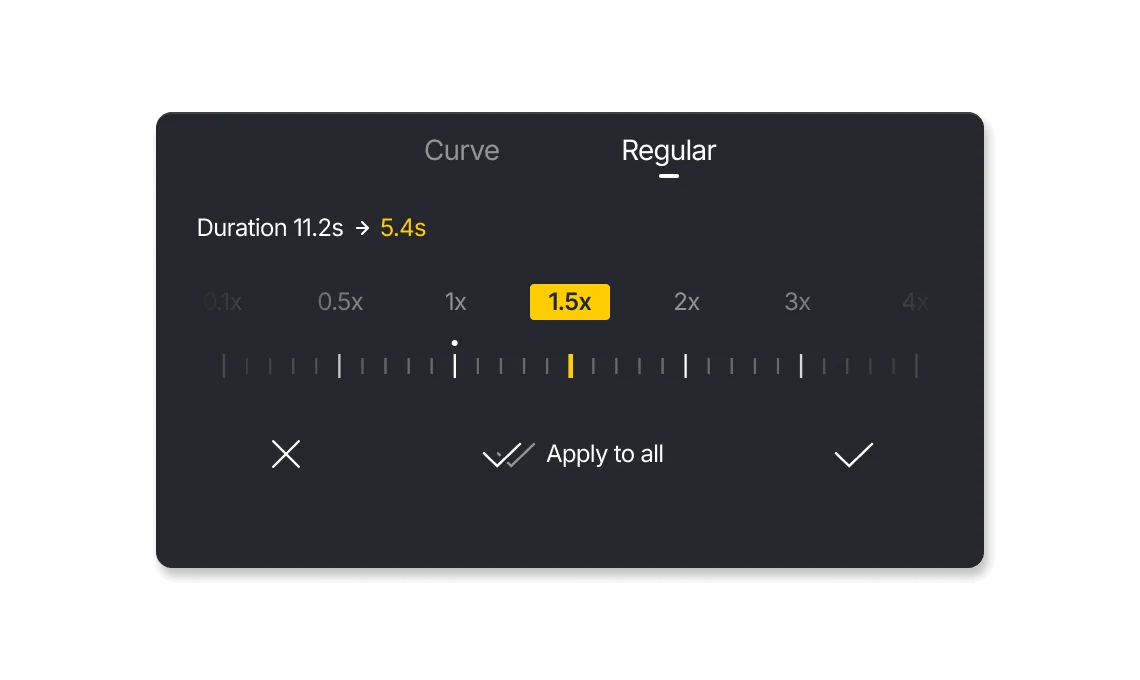
Create smooth speed ramps for TikTok, Reels, and Shorts. Add motion that matches your music.

Fine-tune speed and timing for more polished edits. Create smooth motion with precise control.

Use speed effects to highlight key moments in your videos. Create dynamic visuals that capture attention with smooth motion.
Everything you need to know about VN's Speed Curve feature.
A speed curve lets you control how video speed changes over time, creating smooth transitions between slow and fast motion.
Regular applies a constant speed to the entire clip, while Curve allows dynamic speed changes over time.
Yes. VN offers presets like Montage, Hero Time, Bullet Time, Jump Cut, Fast In, and Fast Out for quick results.
Yes. You can add, move, or remove control points to adjust speed precisely.
Yes. Speed Curve is a core feature in VN and is free to use with no watermark.
Enhance image resolution for sharper visuals.
Generate subtitles in multiple languages instantly.
Remove backgrounds automatically with AI.
Enhance, transform, or create images with AI.
Auto-sync cuts to music beats for perfect timing.
Turn black-and-white images into realistic color.


