




Social Media Creators
Add trendy captions to your TikTok, Reels, and Shorts in seconds. Keep viewers engaged and boost reach with accessible content.
Automatically generate captions that transcribe your speech and sync with your video. Supports 43 languages for transcription, with optional cloud-based translation into 18 target languages.
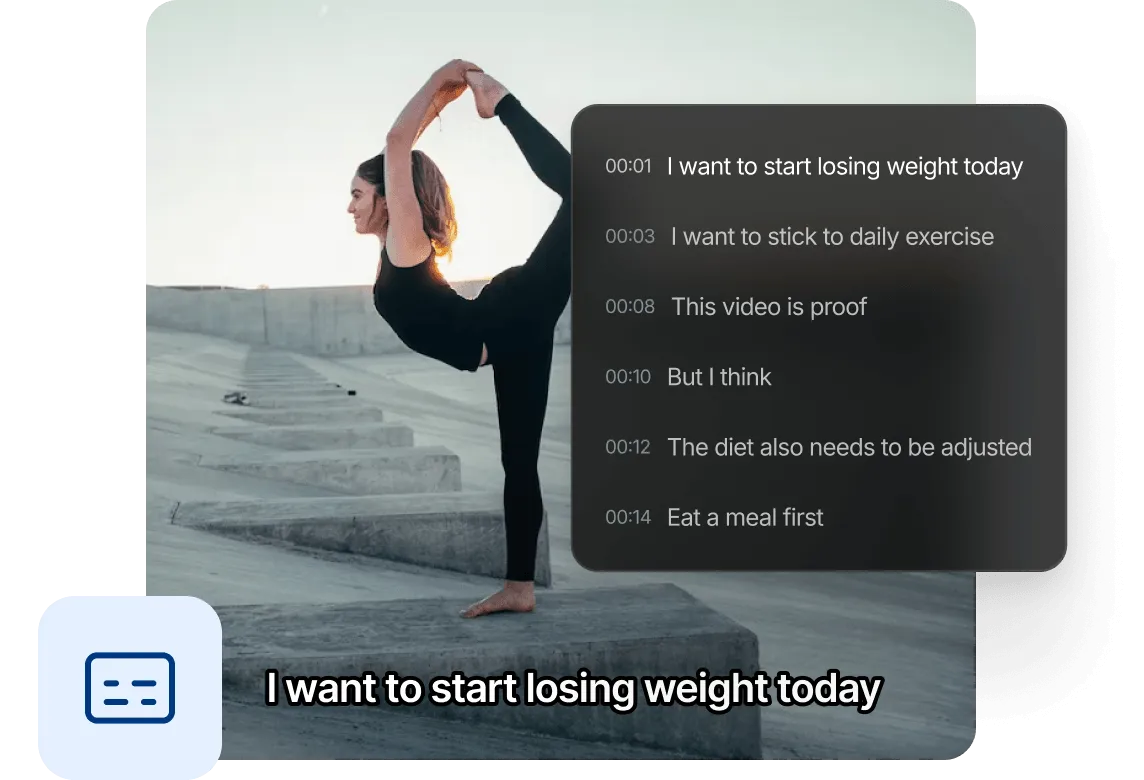
Transcribe speech with high accuracy and automatic word-level timing — even for fast speakers and diverse accents.
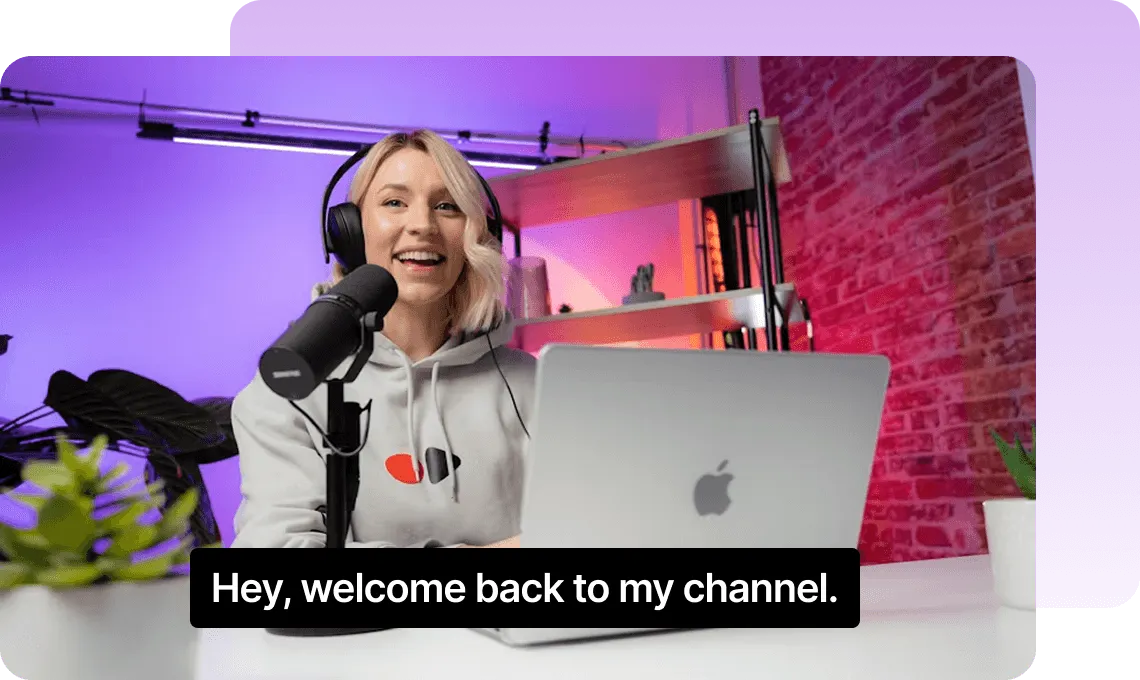
Captions are automatically synced to each word. No manual timestamp adjustment needed — just generate and done.
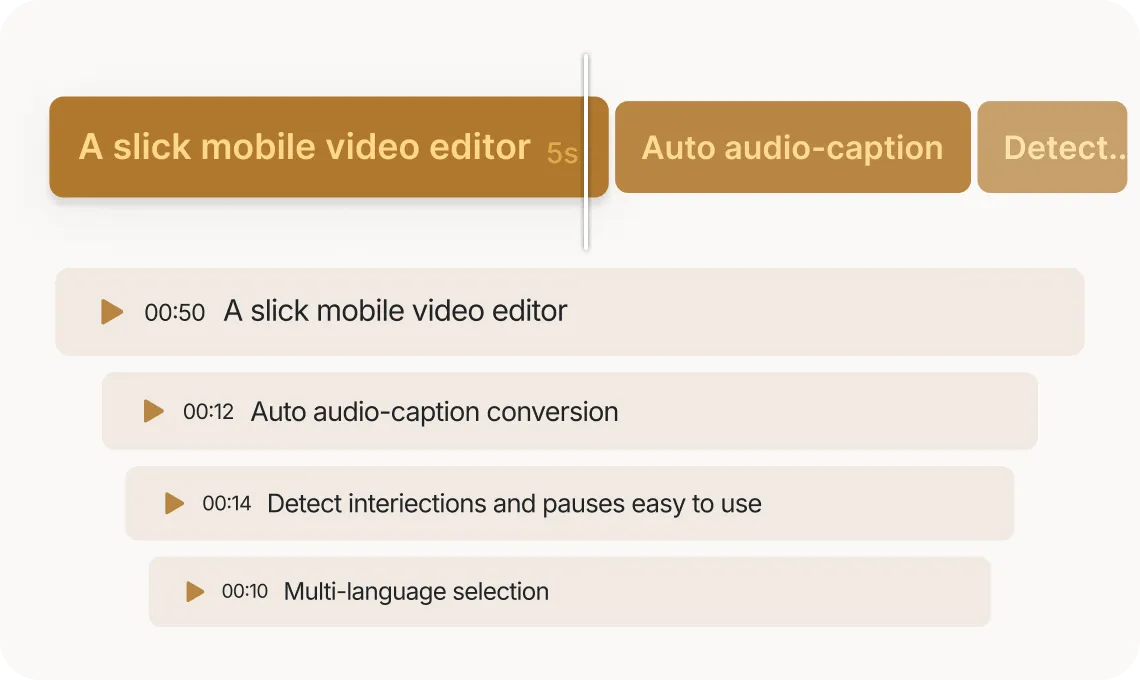
Supports 43 languages for transcription with local models, and optional cloud-based translation into 18 target languages.
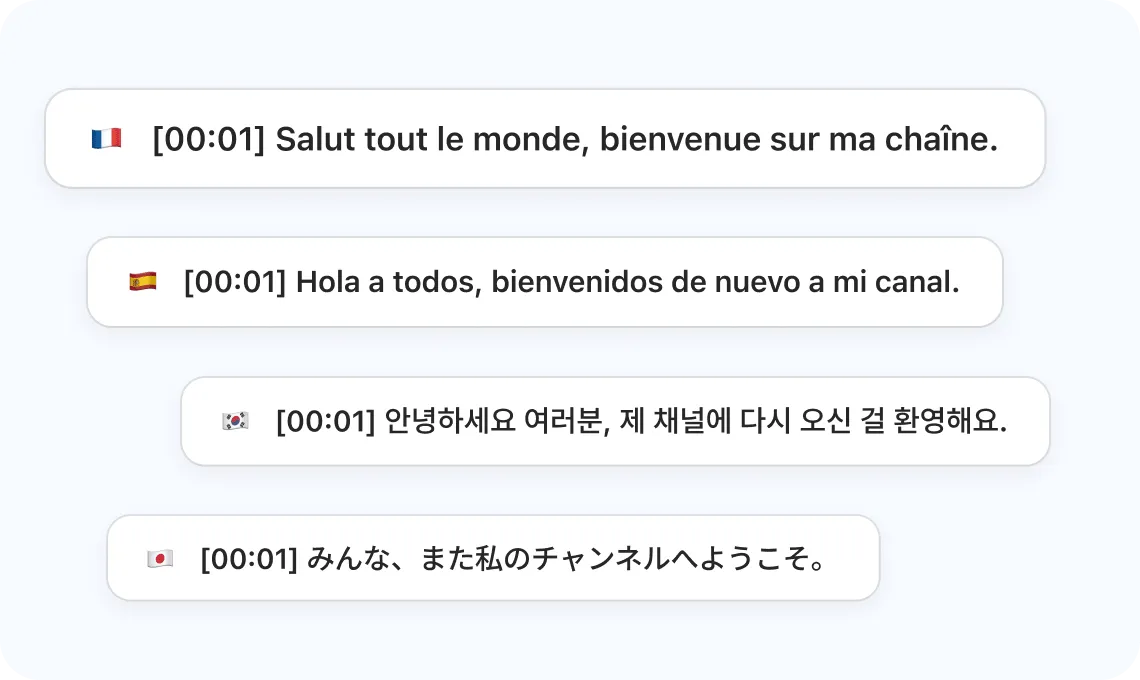
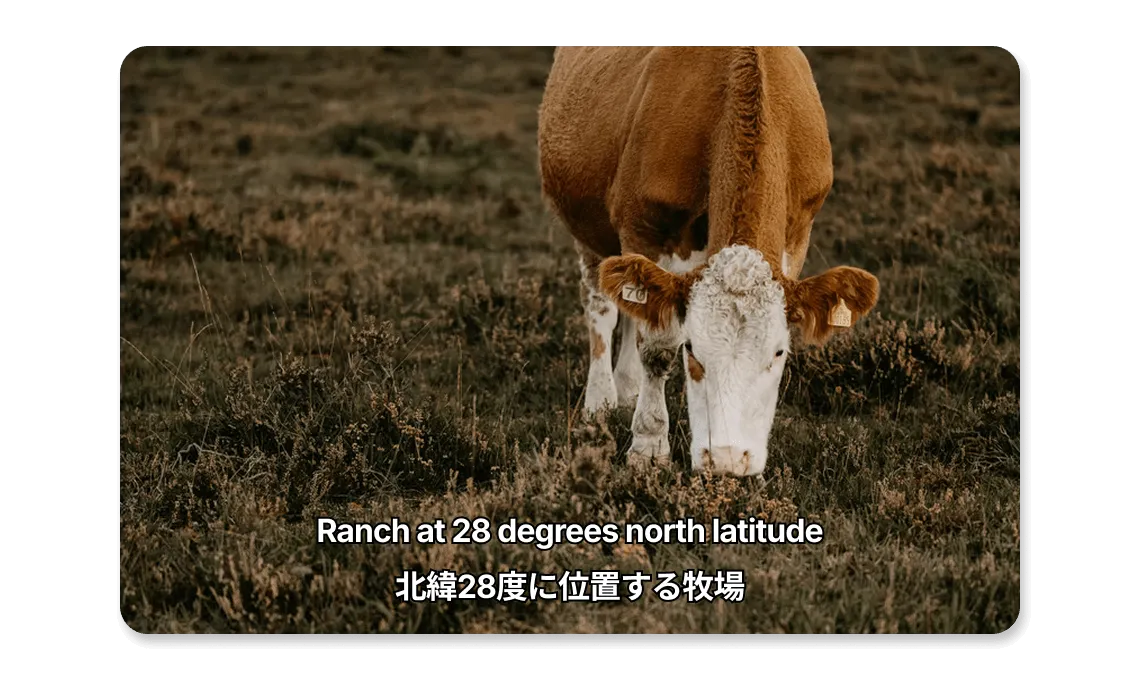
Display multiple languages at the same time to make your content more accessible and engaging for a wider audience.
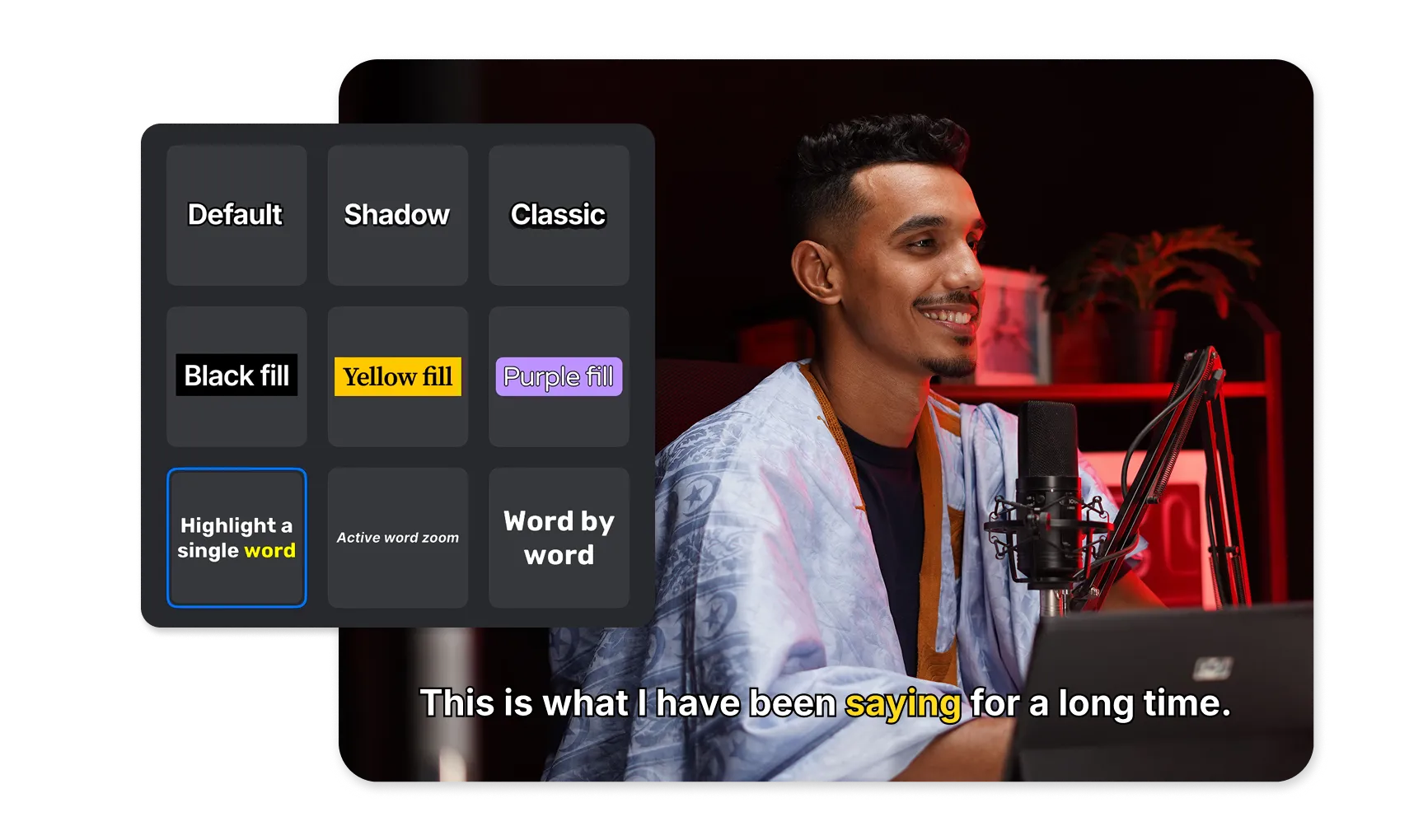
Customize the look of your subtitles and add synced animations using a variety of ready-made templates and text styling tools.
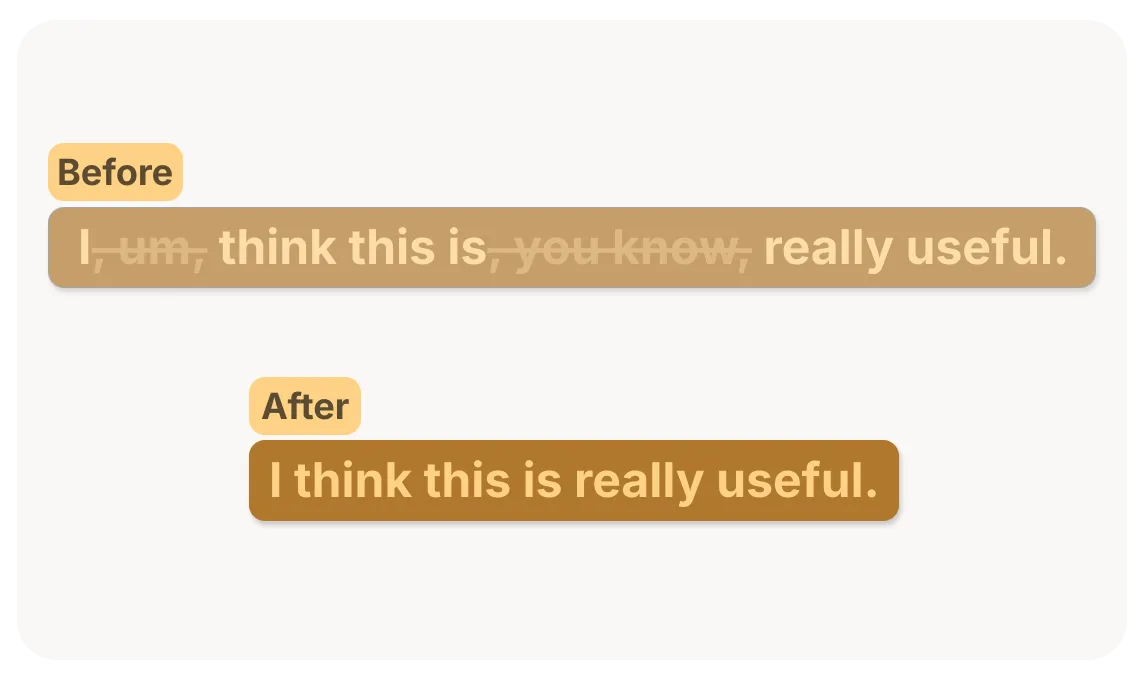
Automatically remove filler words like “um,” “uh,” and “you know” from subtitles for cleaner, more concise captions.
Add trendy captions to your TikTok, Reels, and Shorts in seconds. Keep viewers engaged and boost reach with accessible content.

Make your online courses and tutorials more accessible. Auto-captions help learners follow along in any language, any environment.

Automatically caption demos, ads, and videos. Reach global audiences and meet accessibility standards effortlessly.
Everything you need to know about VN's Auto Captions feature.
VN achieves high accuracy for clear speech, with automatic word-level timing. Accuracy may vary depending on audio quality, accent, and background noise. You can review and edit captions at any time for perfect results.
Auto Caption supports 43 languages for transcription using local models, with optional cloud-based translation into 18 target languages.
Yes. After captions are generated, you can edit any line of text, adjust timing, and fine-tune details directly in the editor.
Yes. VN offers full caption styling with ready-made subtitle templates. Choose a template, then customize the font, size, color, stroke, background, and animation to match your video.
You can when you use cloud-based conversion mode. Filler Word Removal can automatically remove common filler words such as “um,” “uh,” and “you know” from your subtitles, helping make captions cleaner and more concise. Review the result and edit the text if needed.
Yes. The Tiny and Base models run on your device, so they can be used fully offline. Your audio stays on your device when you use either local model.
When you use the cloud model, your audio is uploaded for caption generation. It is deleted after your subtitles have been downloaded.
Auto Caption offers Tiny and Base models for free, with no watermark or subscription. Cloud-based captioning is also available and requires credits.
Enhance image resolution for sharper visuals.
Generate subtitles in multiple languages instantly.
Remove backgrounds automatically with AI.
Enhance, transform, or create images with AI.
Auto-sync cuts to music beats for perfect timing.
Turn black-and-white images into realistic color.


