



Instagram & TikTok Creators
Turn multi-photo stories into one striking post. Build recap grids, mood boards, and carousel-style layouts that earn more saves and shares. Use cutout layouts to create a magazine-cover-style hero visual.
Combine multiple photos into one beautiful collage. Choose a preset layout, add cutout effects, personalize your design, and turn your favorite moments into a story worth sharing.
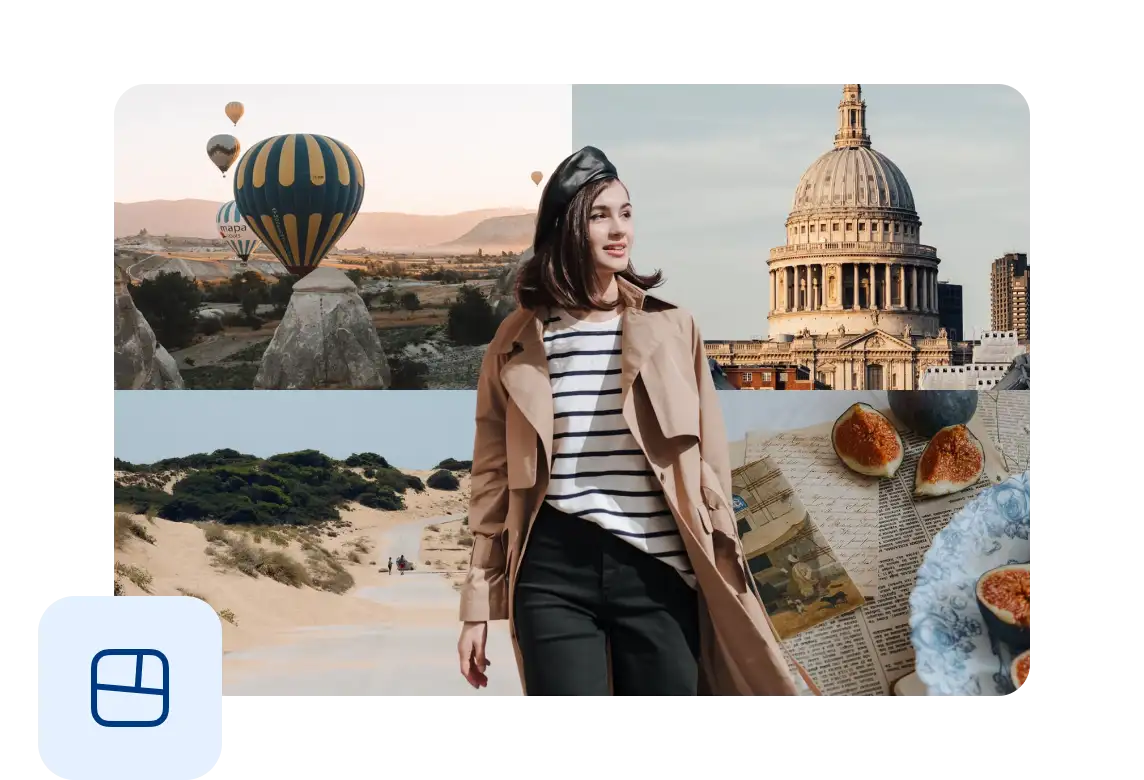
Bring your favorite photos together in a single collage. Combine moments, details, and memories to tell a richer visual story.
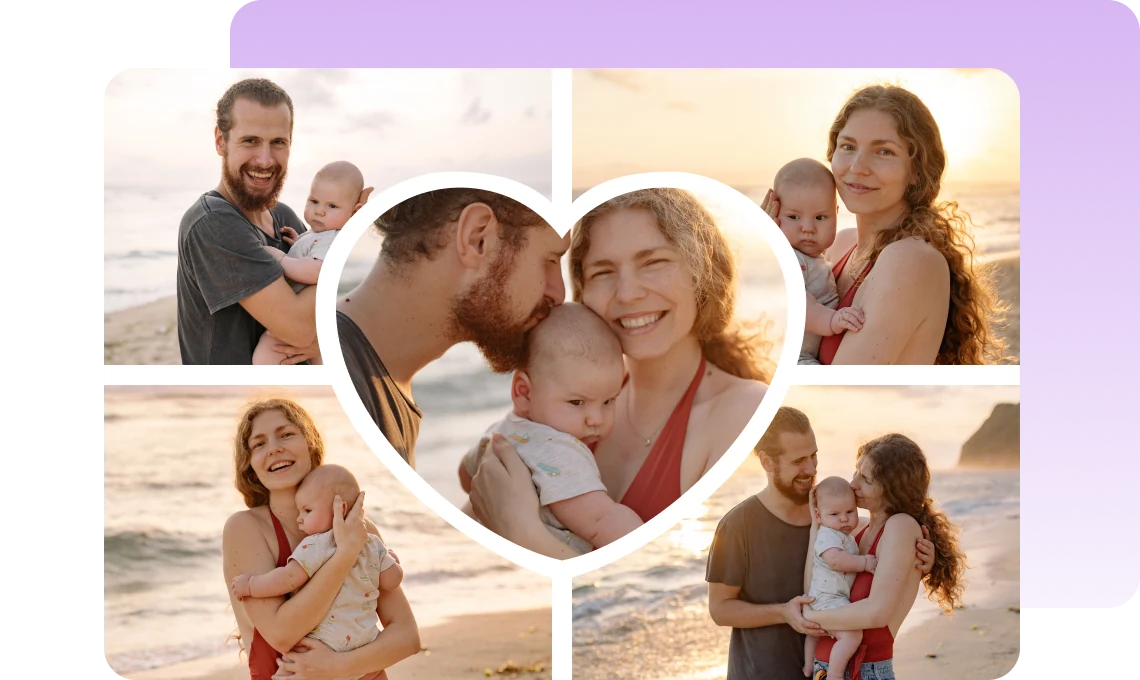
Choose from a variety of preset layouts designed for different numbers of photos. Create a clean, balanced composition without arranging everything from scratch.
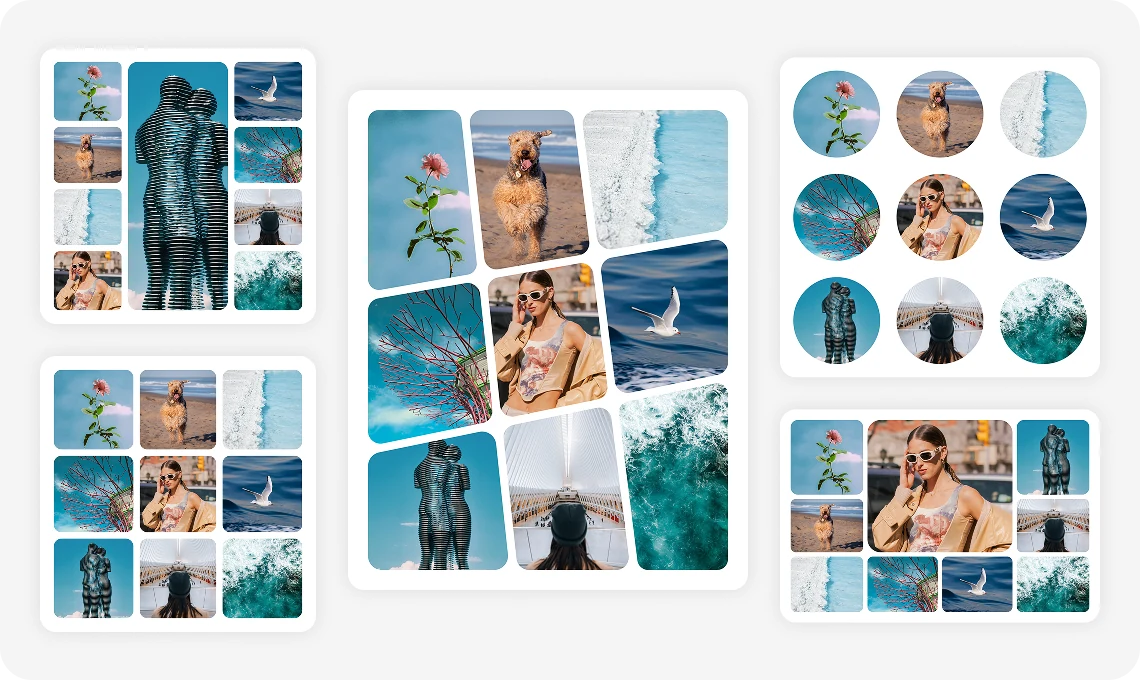
Choose a cutout layout and VN automatically cuts out your subject, so it pops out of the grid with depth and a magazine-style look. Prefer your own layout? Add an overlay photo to any collage and cut it out with a tap.

Personalize your collage with filters, text, and stickers. Add your own style and create a finished design that is ready to share.
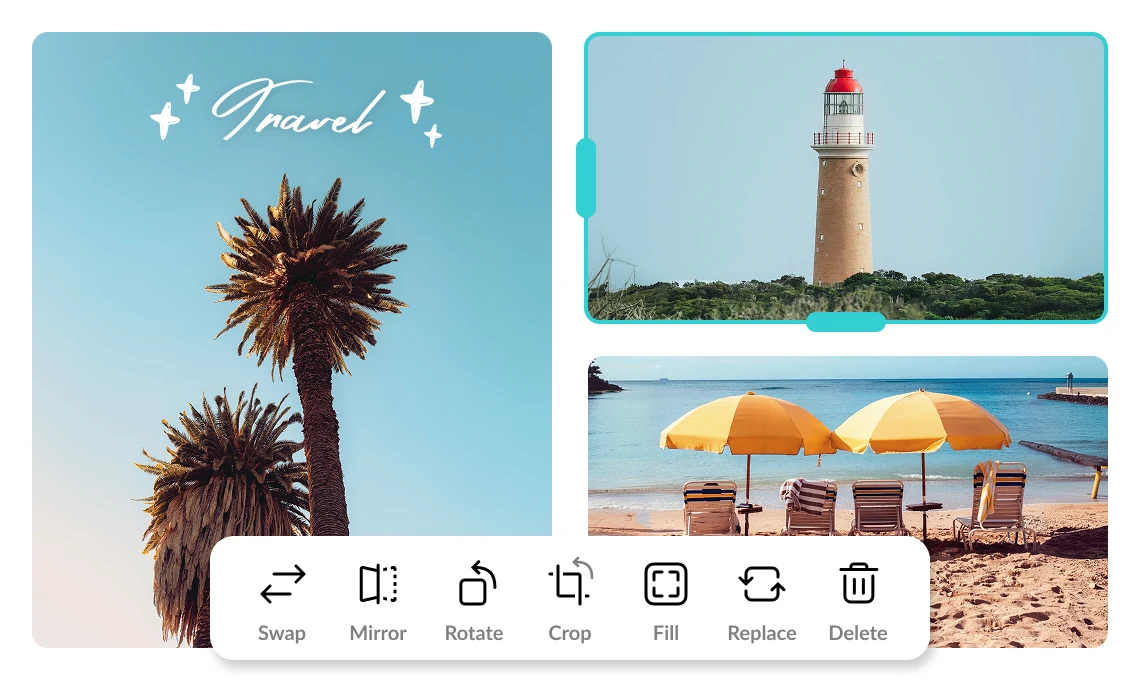
Turn multi-photo stories into one striking post. Build recap grids, mood boards, and carousel-style layouts that earn more saves and shares. Use cutout layouts to create a magazine-cover-style hero visual.

Pack a trip, birthday, or family gathering into a single shareable collage. Highlight your favorite moments without flooding followers with separate uploads. Cut yourself out and place yourself front and center over your trip photos for a postcard-style keepsake.

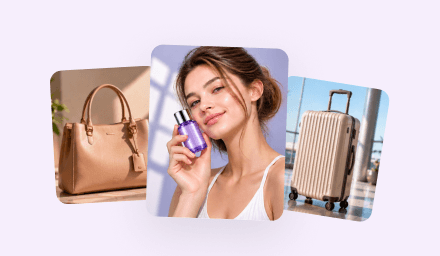
Display products, promotions, or new arrivals in polished multi-image layouts. Create sale graphics and lookbook-style posts without a separate design tool. Cut out your product and layer it over the grid for a more eye-catching promo graphic.
Everything you need to know about VN's Collage feature.
Collage lets you combine multiple photos into a single image using preset layouts, including cutout layouts that make your subject pop out of the grid. You can customize borders, aspect ratio, and styling, then export your finished design.
Open Collage, choose a layout, add your photos, adjust borders and ratio if needed, apply any filters or text, then export when you're done.
The current version supports 1 to 9 photos per collage, depending on the layout you select.
Yes. Adjust outer margin, inner padding between photos, and corner radius. You can also set the overall collage ratio before exporting.
Yes. After arranging your photos, apply filters, add text and stickers, and personalize your collage before sharing.
A cutout layout automatically cuts out the subject of your photo and layers it over the collage grid, creating depth and a magazine-style look. Choose a cutout layout, add your photos, and the cutout is applied for you.
Yes. Start with any layout, add an overlay photo, then tap Cutout to remove its background. If the edges aren't quite right, such as around hair or in busy backgrounds, try AI Cutout for a more precise result.
Yes. Set your preferred aspect ratio, export the collage, and share it on Instagram, TikTok, or any platform you use.
Enhance image resolution for sharper visuals.
Generate subtitles in multiple languages instantly.
Remove backgrounds automatically with AI.
Enhance, transform, or create images with AI.
Auto-sync cuts to music beats for perfect timing.
Turn black-and-white images into realistic color.


