







Social Media Creators
Instantly crop and resize videos for TikTok, Reels, and Shorts. Switch formats without losing your subject.
Crop, resize, and transform your videos with precision. Choose from multiple aspect ratios, reframe your shots, and flip or rotate clips — all in seconds.
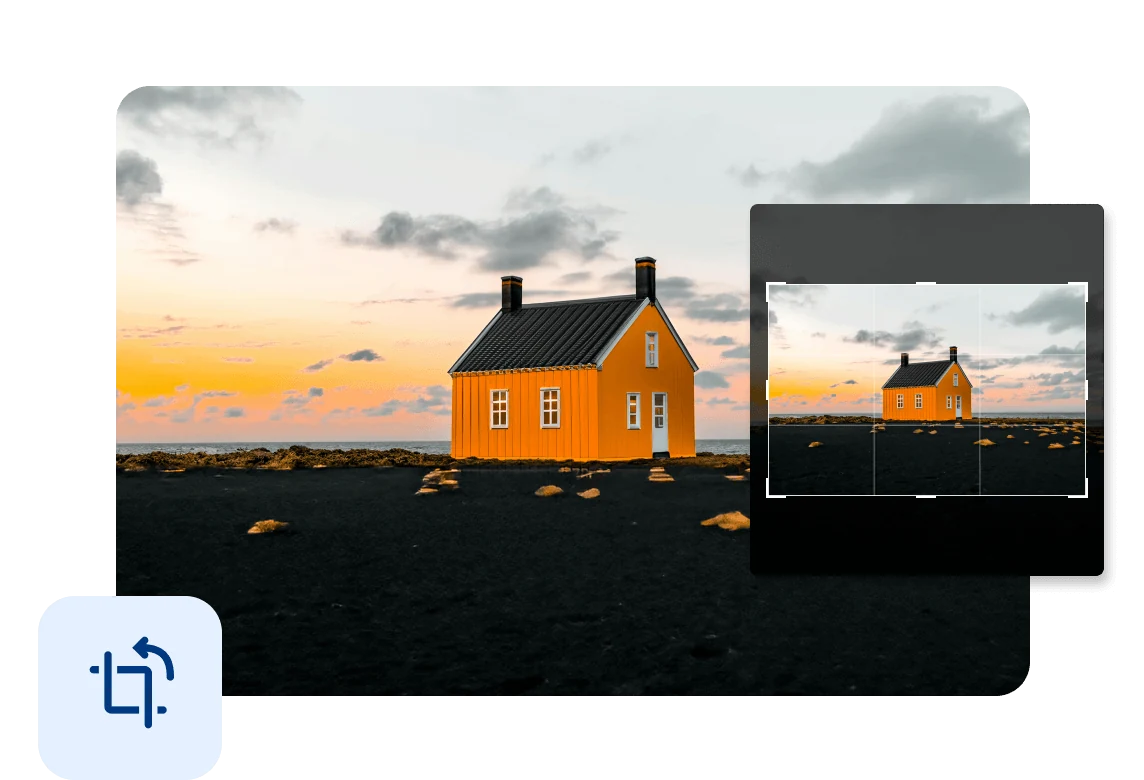
Crop your videos to 9:16, 1:1, 16:9, and more. Easily fit your content for social media, cinematic formats, and different screens.
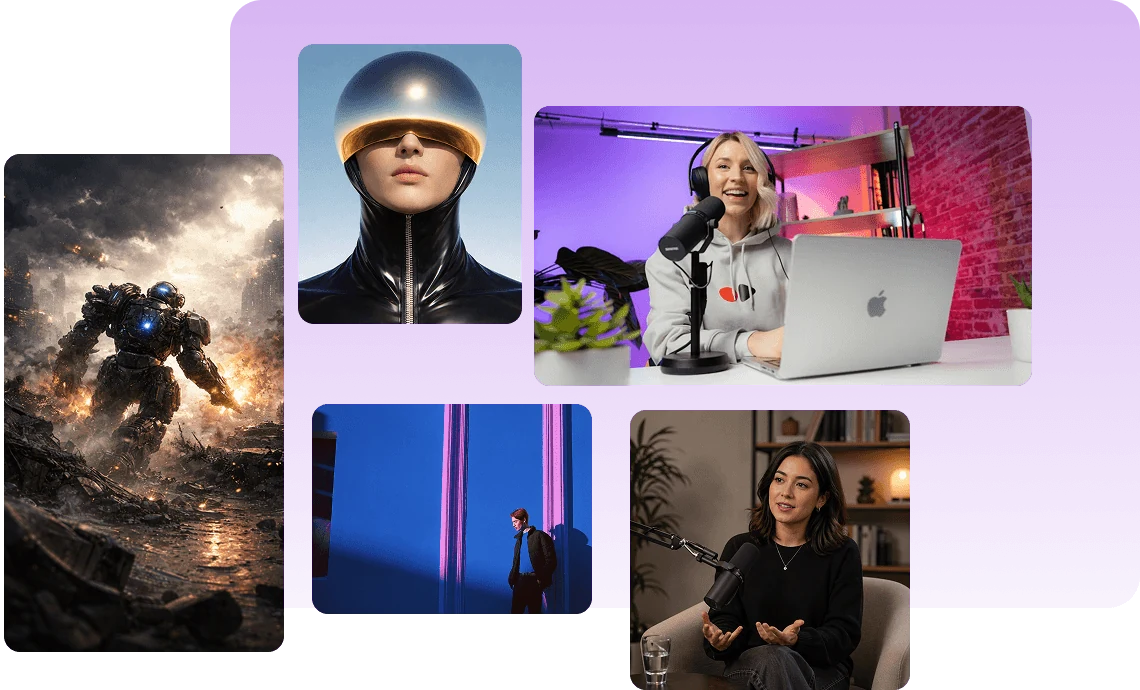
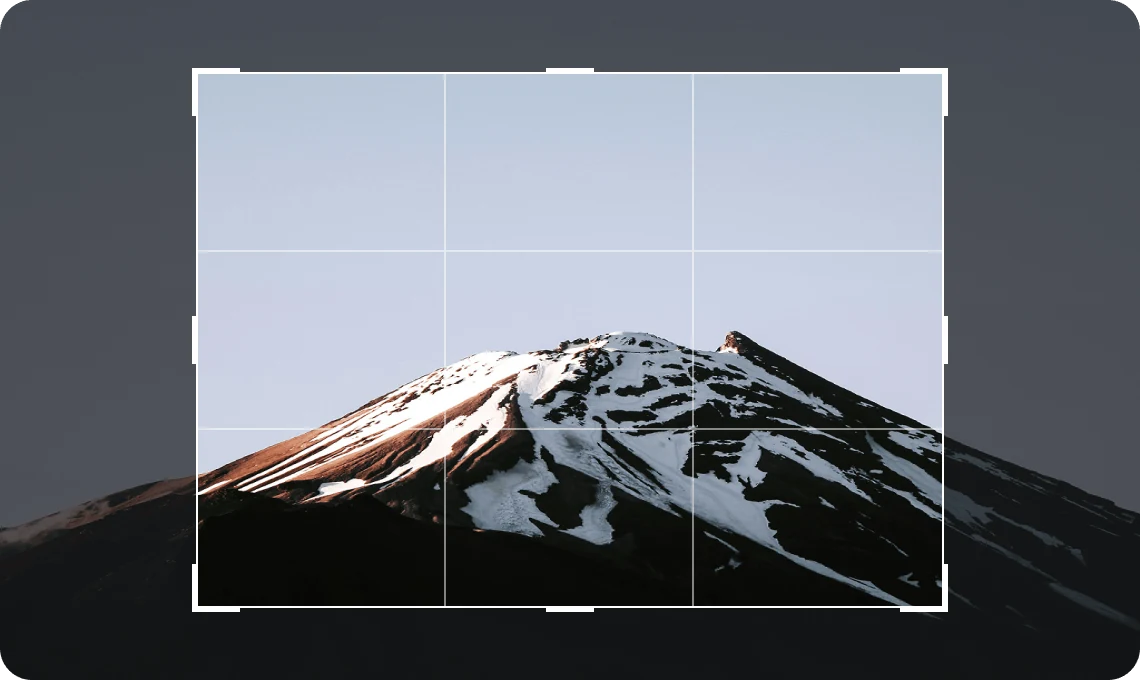
Keep your subject in focus by adjusting the crop area freely. Refine your composition for a clean and balanced result.
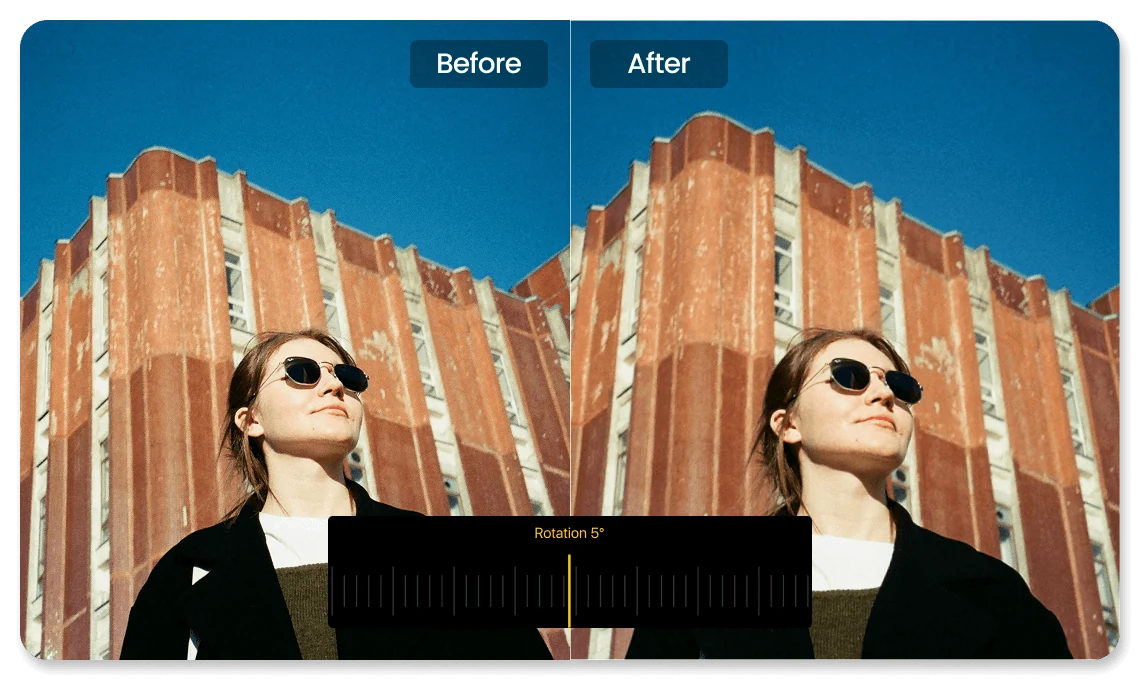
Straighten tilted shots or rotate clips slightly to fix framing and keep your composition balanced.
Instantly crop and resize videos for TikTok, Reels, and Shorts. Switch formats without losing your subject.

Crop and reframe lessons to highlight key content. Remove distractions and keep your message clear.

Reframe product videos to focus on key details. Create clean visuals that capture attention.
Everything you need to know about VN's Crop feature.
VN supports a wide range of aspect ratios, including 9:16, 1:1, 16:9, 4:5, 3:4, 21:9, and more.
Yes. You can flip or rotate your clips instantly to fix orientation or adjust framing.
Yes. Simply drag and resize the crop frame to get the exact composition you want.
Cropping itself doesn’t reduce quality, but heavy cropping may affect clarity depending on the resolution.
Yes. Cropping is a core feature in VN and is completely free to use with no watermark.
Enhance image resolution for sharper visuals.
Generate subtitles in multiple languages instantly.
Remove backgrounds automatically with AI.
Enhance, transform, or create images with AI.
Auto-sync cuts to music beats for perfect timing.
Turn black-and-white images into realistic color.


