



Social Media Creators
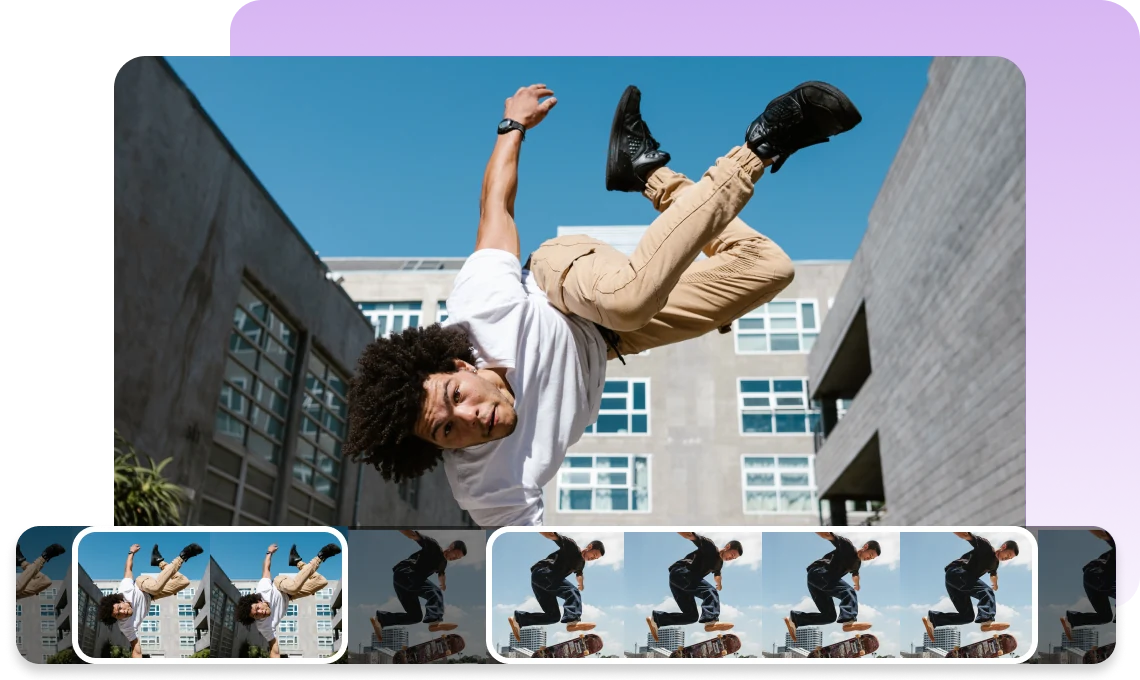
Create engaging TikTok, Reels, and YouTube Shorts faster. AutoCut turns your clips into beat-synced videos with BeatsClips templates, so you can focus on creating instead of timing every cut.
Create beat-synced videos instantly with AutoCut. Apply BeatsClips templates to turn your photos and videos into dynamic edits with music-synced timing and visual styles.
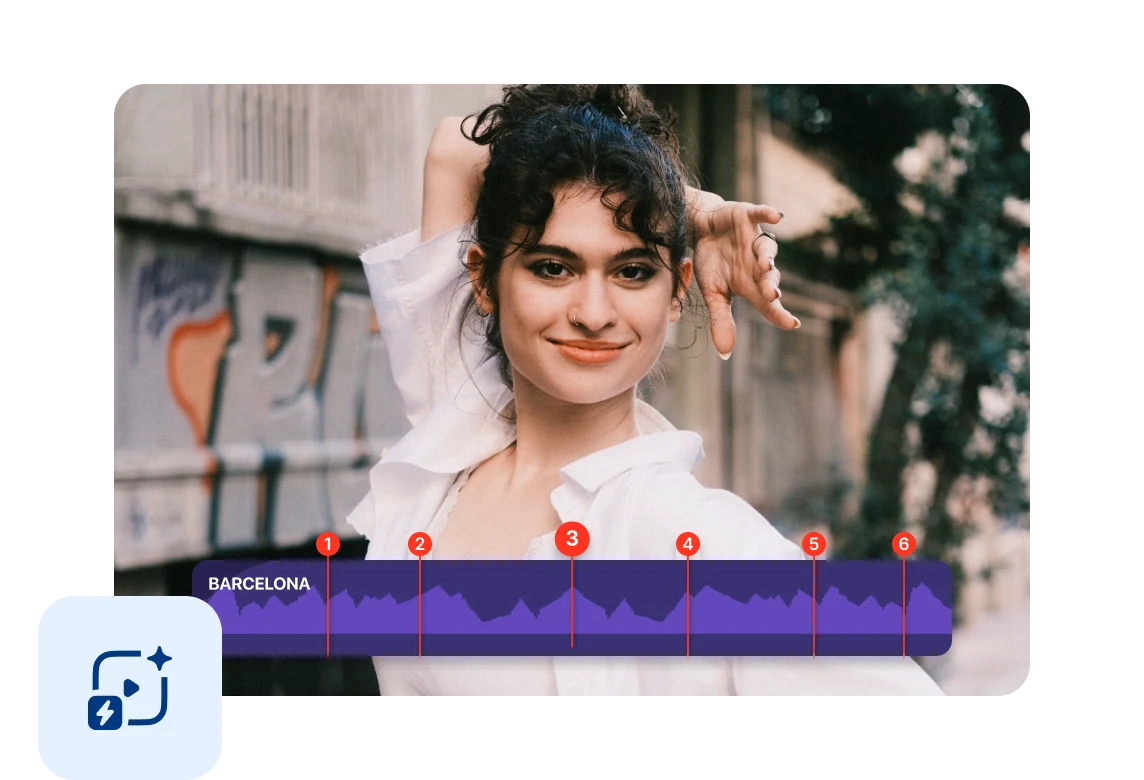
Select your photos and videos, and AutoCut automatically applies a BeatsClips template to create a beat-synced video. Turn your clips into dynamic edits with music-driven timing and visual styles in just a few taps.
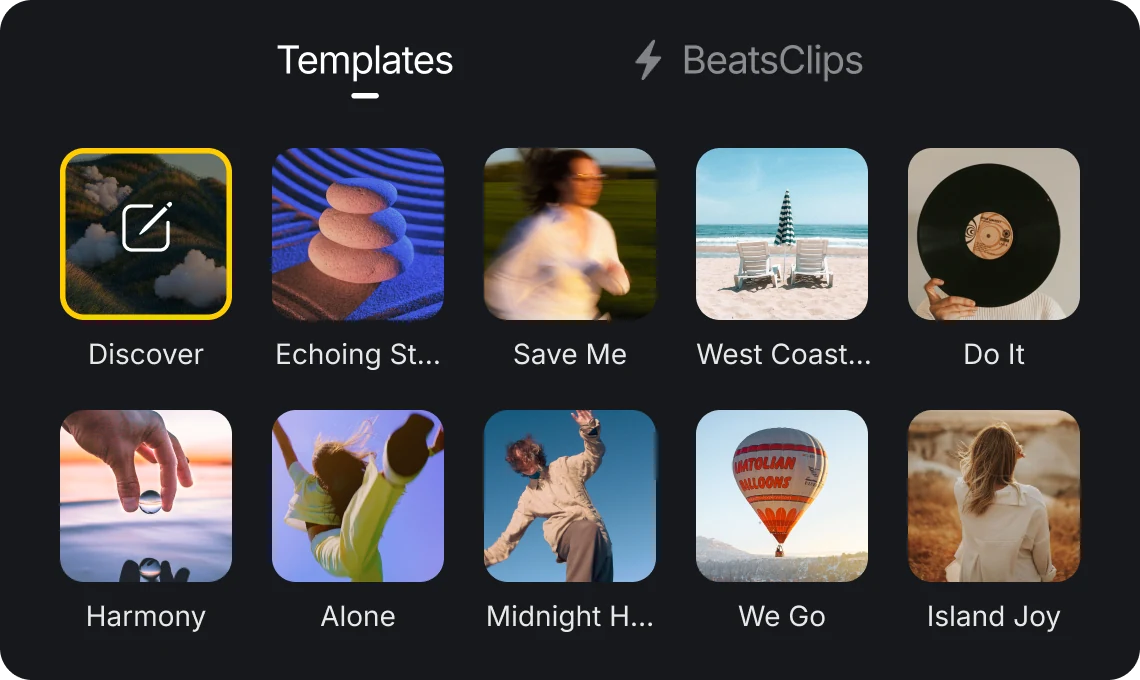
Try different BeatsClips templates to instantly change the rhythm and visual style of your video. Switch between templates and explore different beat patterns and visual styles for your content.
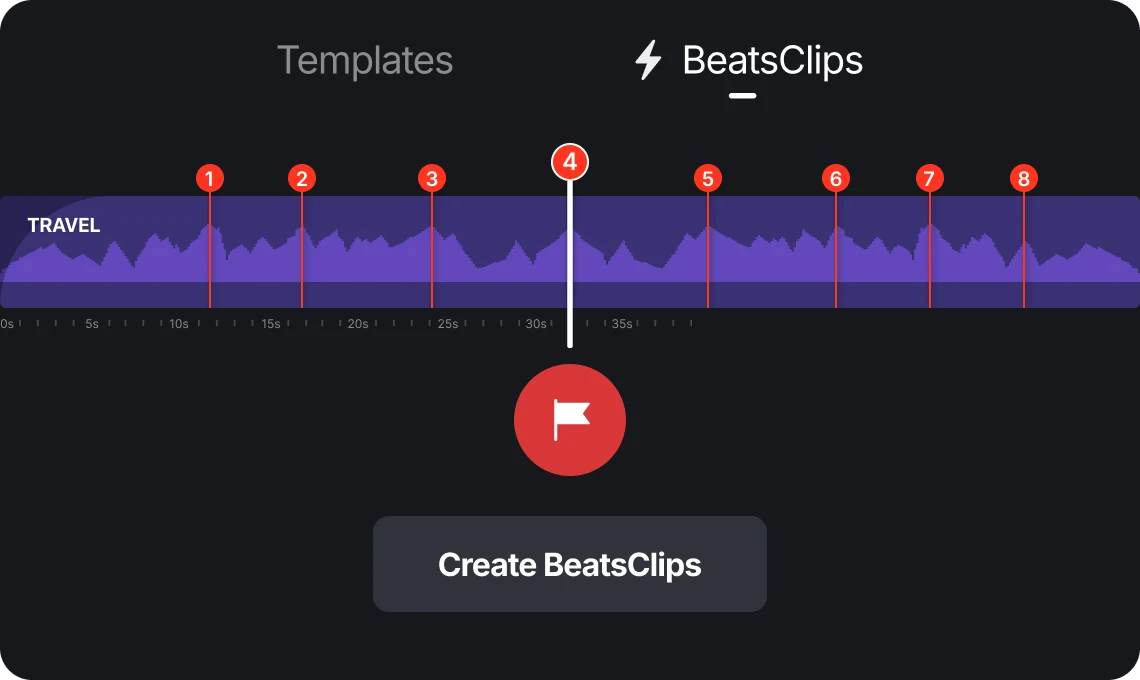
Create your own BeatsClips templates with custom beat timing and visual styles, then reuse them with AutoCut to create videos in your own style.
Create engaging TikTok, Reels, and YouTube Shorts faster. AutoCut turns your clips into beat-synced videos with BeatsClips templates, so you can focus on creating instead of timing every cut.

Transform travel memories and daily moments into dynamic beat videos. Combine your photos and videos with BeatsClips templates to create polished edits quickly and easily.

Create your own BeatsClips templates and build reusable editing styles. Design custom beat timing and apply your unique style to future projects with AutoCut.
Everything you need to know about VN's AutoCut feature.
AutoCut helps you create beat-synced videos quickly. Select your photos and videos, choose a BeatsClips template, and AutoCut applies the template's beat timing and visual style.
A BeatsClips template is a timeline-based video template that defines beat timing, clip rhythm, and visual style for your videos.
Yes. You can create custom BeatsClips templates with your own beat timing and visual styles, then reuse them with AutoCut.
AutoCut uses predefined BeatsClips templates to create beat-synced videos. It does not require cloud AI processing.
Enhance image resolution for sharper visuals.
Generate subtitles in multiple languages instantly.
Remove backgrounds automatically with AI.
Enhance, transform, or create images with AI.
Auto-sync cuts to music beats for perfect timing.
Turn black-and-white images into realistic color.


