





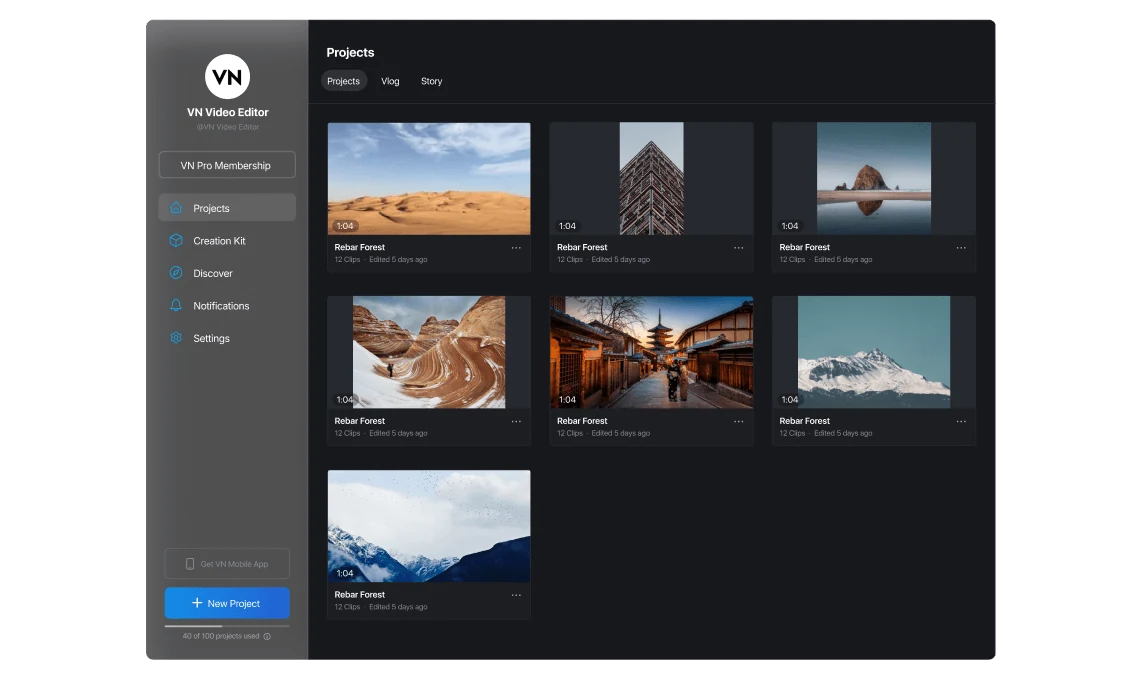
Home Dashboard
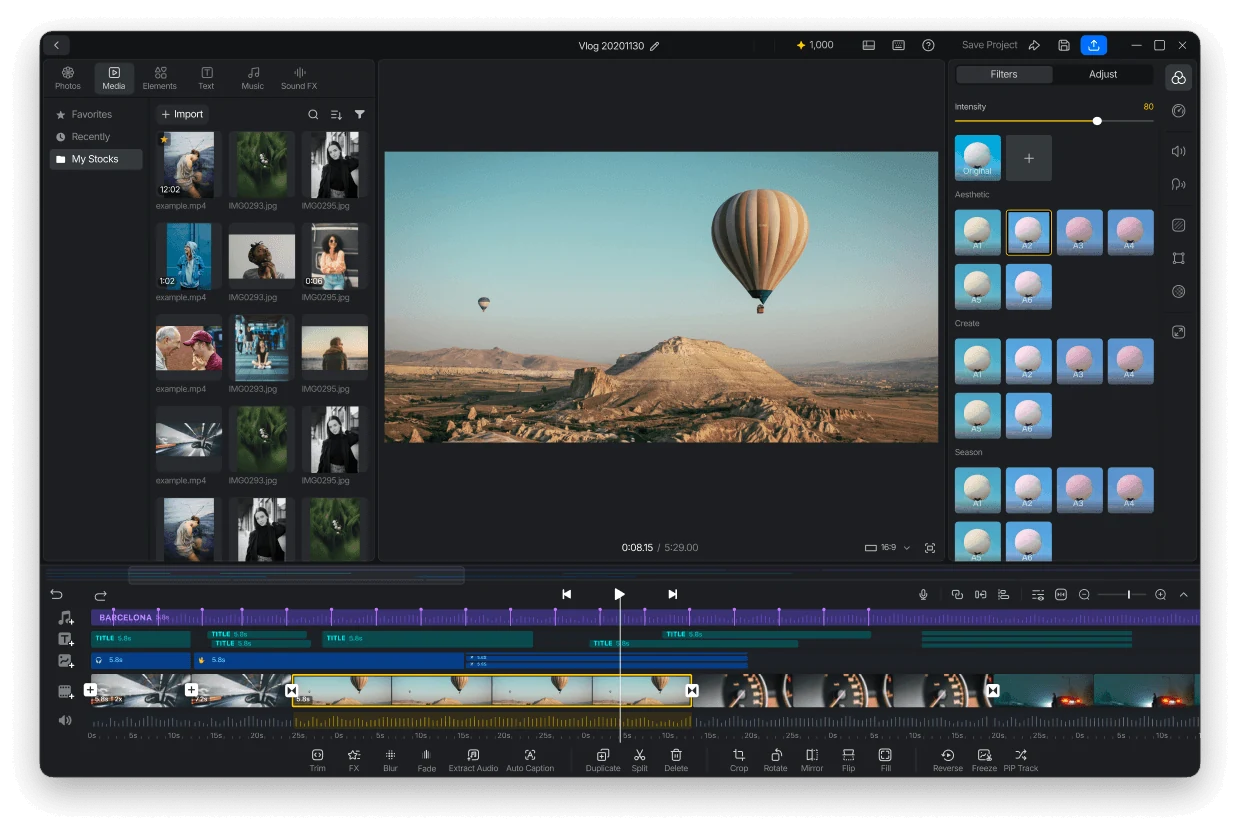
Create, organize, and manage projects from a clean desktop workspace built for faster editing.
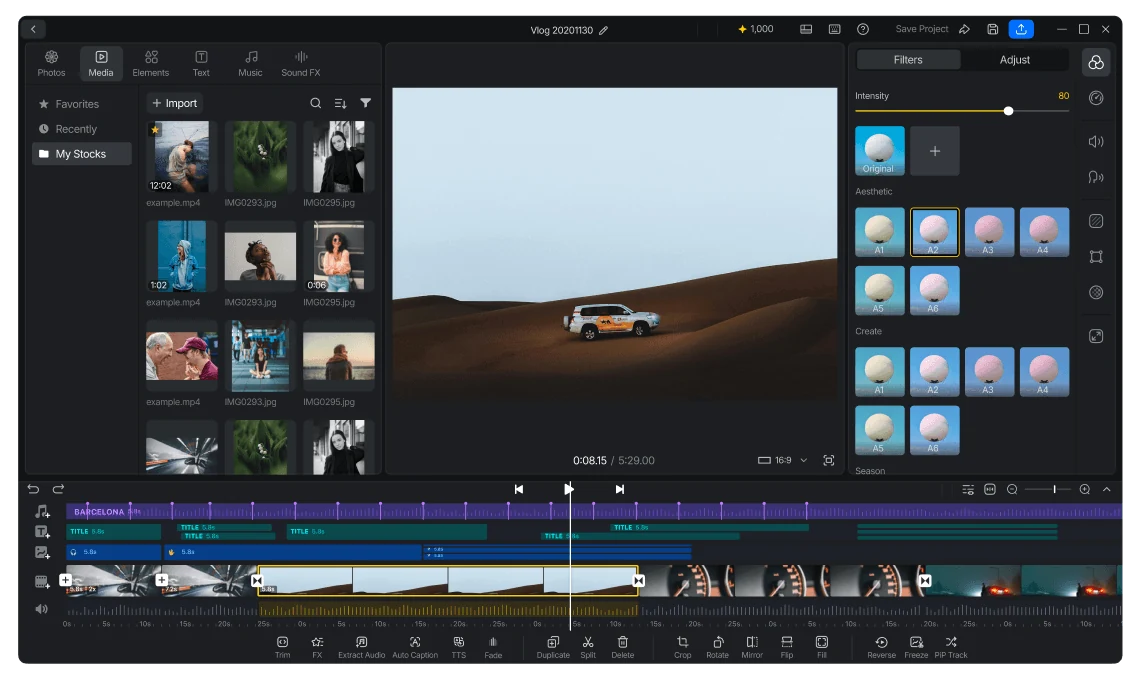
Multi-Track Timeline
Edit with a responsive multi-track timeline featuring smooth playback, drag-and-reorder editing, and precise layer control.
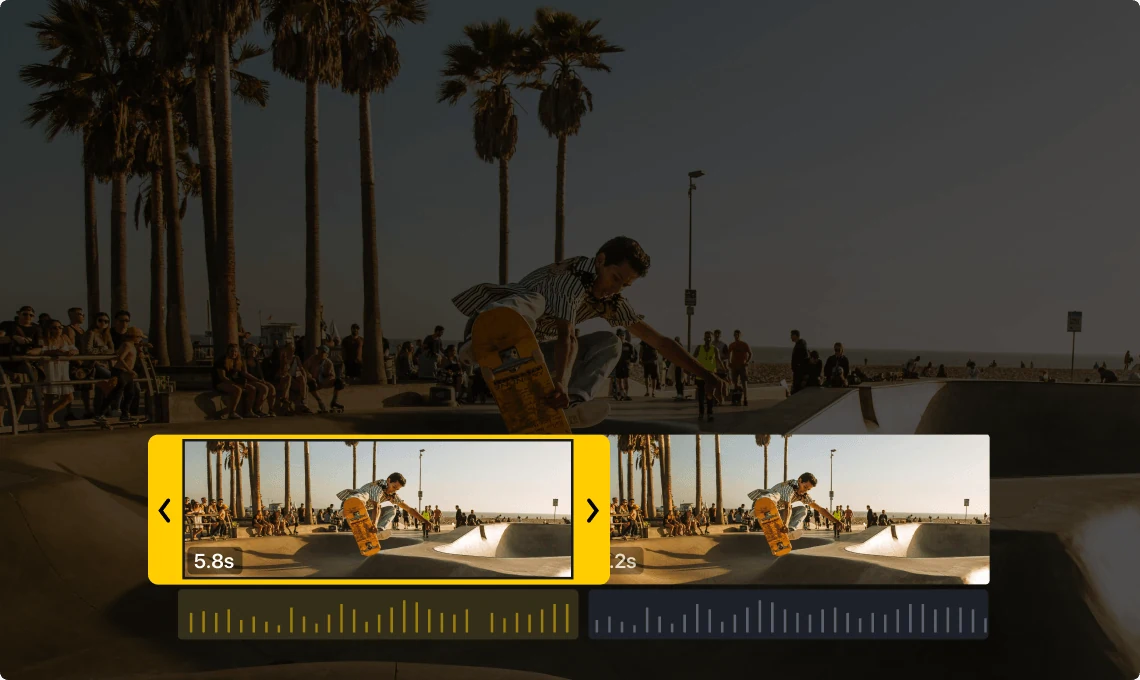
Essential Editing Tools
Edit clips with essential timeline tools and responsive desktop controls.
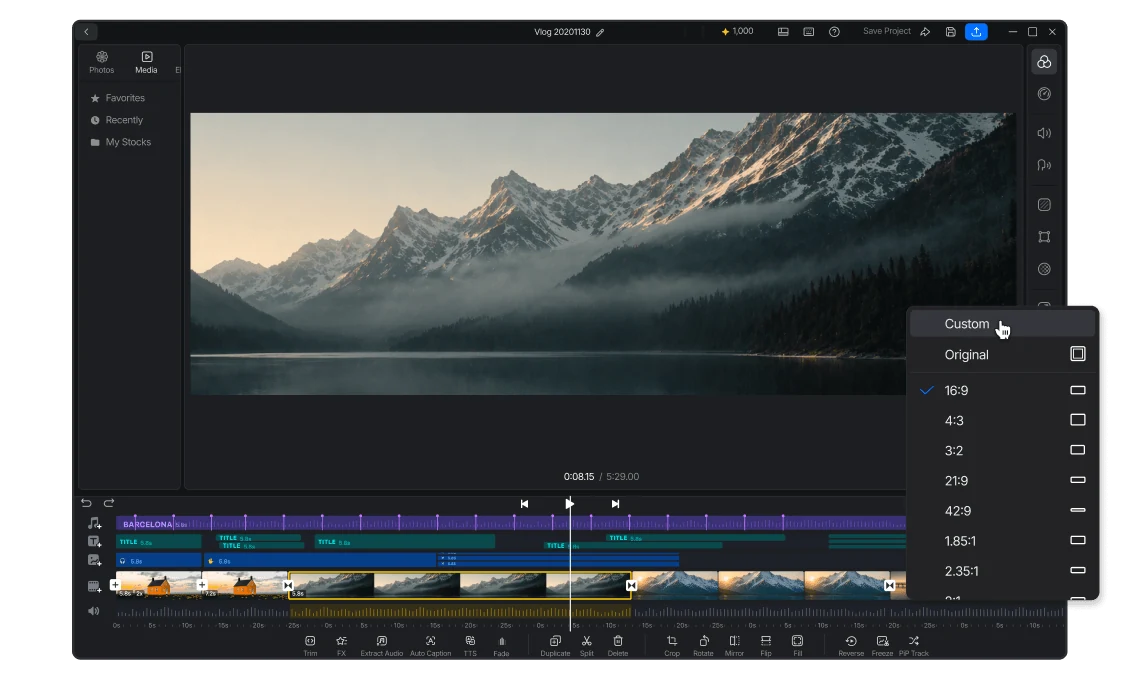
Flexible Canvas Controls
Adjust frame ratios, layouts, and visual settings with flexible desktop controls.
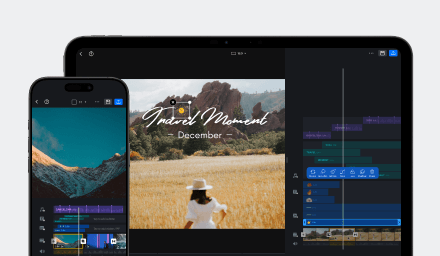
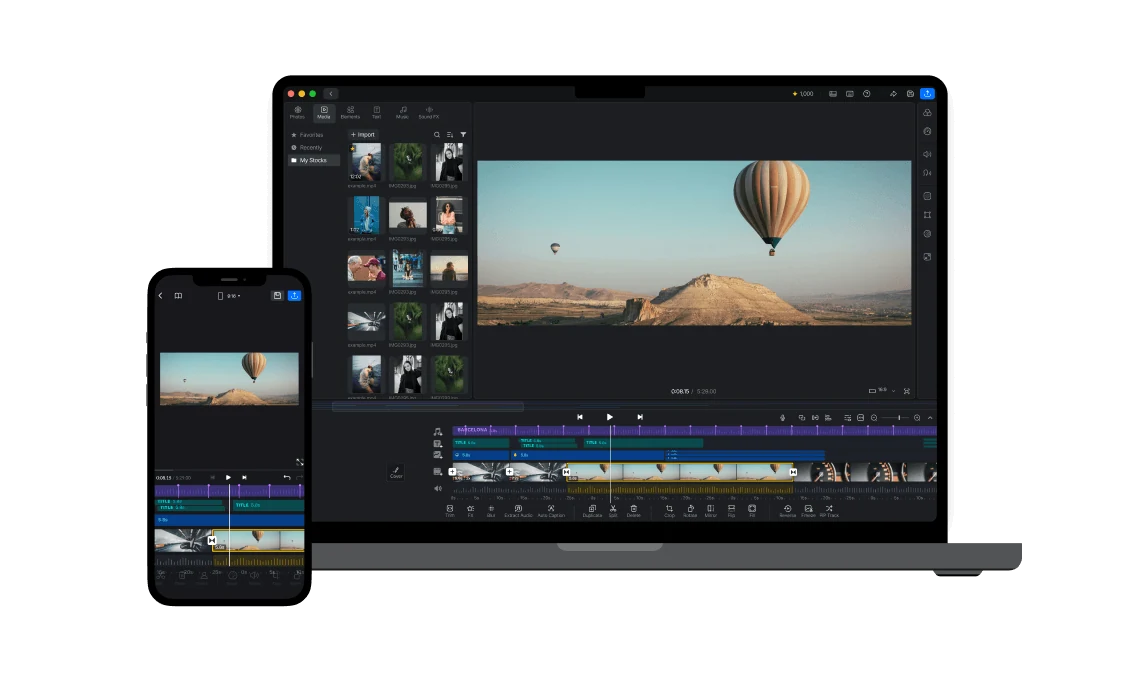
Edit Across Multiple Platforms
Continue editing VN projects seamlessly across mobile, tablet, and desktop devices.
Frequently Asked Questions
Everything you need to know about VN for PC.
VN for PC is the desktop version of VN Photo & Video Editor, built to deliver a faster and more flexible editing experience for creators on desktop.
Yes. VN for PC supports multi-track timeline editing with responsive playback and precise layer control.
VN projects can be edited seamlessly across iPhone, iPad, Android, Mac, and Windows devices.
VN for PC currently supports essential editing tools including trim, split, crop, rotate, effects, reverse, freeze, audio extraction, and more.
Yes. VN for PC supports auto-save, project management, and undo/redo workflows for a smoother editing experience.