
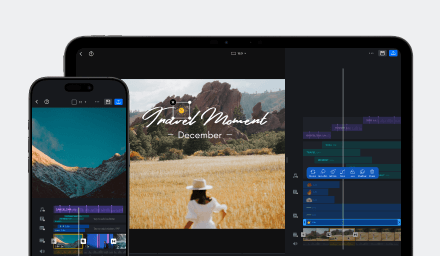



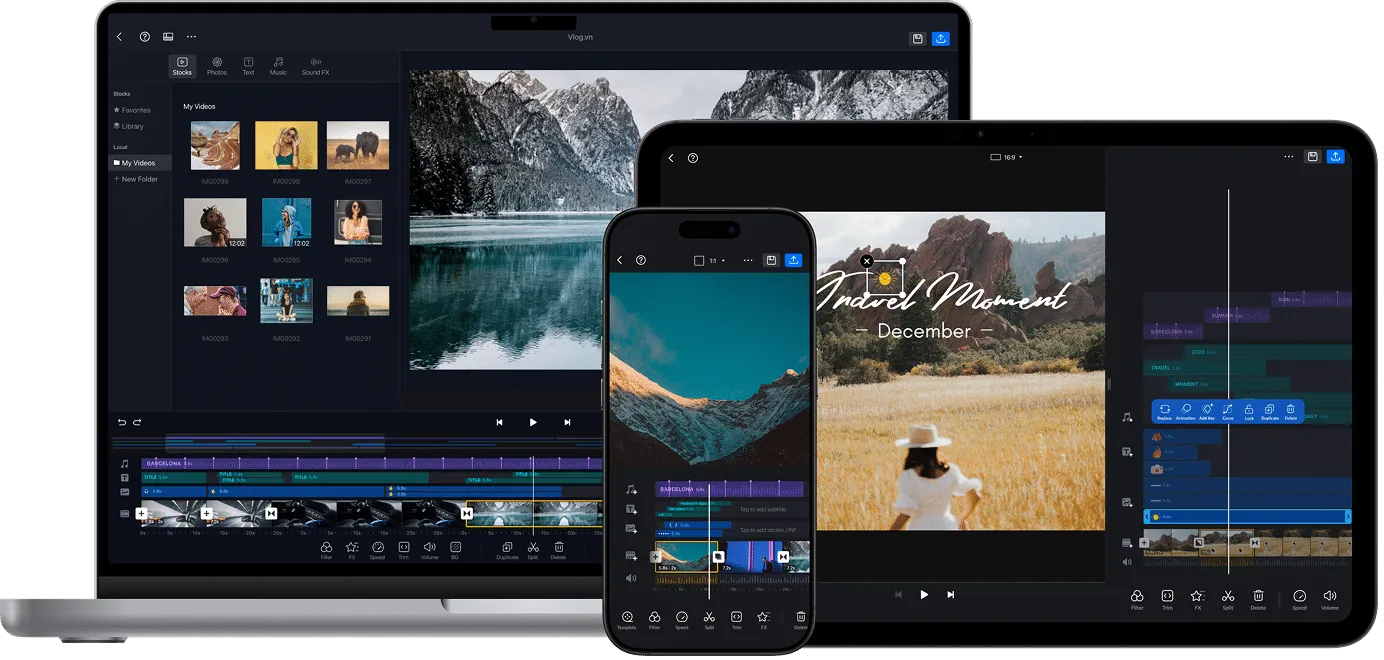
Great video editing should make it easy to shape an idea and give you the tools to take it further. VN Video Editor brings a flexible multi-track timeline, precise controls, and creative tools to mobile and desktop, making it a powerful CapCut alternative for turning everyday footage into polished videos.
Whether you are shaping a quick social clip or building a more detailed project, VN keeps the creative process flexible and in your hands.
Why VN stands out as the best CapCut alternative
VN brings a flexible multi-track timeline, precise controls, and creative tools together in one editor. Shape a quick social video or build a layered project, then explore VN’s features to find the tools that fit your style.
Keep creating wherever you are
Take your edit with you. VN lets you work with media saved on your device, then edit, preview, and export even when you’re offline. Load online templates and other resources before you disconnect. See Offline Usage for details.
It’s a handy way to keep a project moving while traveling or when your connection is unreliable.
Take full control of every frame
From precise trimming to keyframes, speed controls, and layered tracks, VN gives you room to shape the look and rhythm of every edit. Find more ideas in VN Features and VN Video Editing 101.
Build your cut one detail at a time, with creative control from the first clip to the final frame.
Make every cut sound and look better
Bring your story together with music, sound effects, voiceover, and Auto Captions. Add a visual effect or a smoother motion when the moment calls for it, then browse VN’s creative tools for more ways to finish your video.
Give viewers a video that looks polished, sounds lively, and is easy to follow.
Start fast with templates and smart tools
Need a head start? Try Templates, BeatsClips, AutoCut, or Stories to get your first cut moving, then make it your own with a few personal touches.
Keep your projects moving across devices
When your edit is ready, choose your export settings or share the project file to continue editing on another supported device. VN keeps projects on your device instead of syncing them to the cloud, so you choose how to move your work between devices. See Export and Project Sharing for the steps.
Planning to publish commercially? Check the material licensing guide for a quick overview of VN materials and imported assets.
Your video, your project, your next move.
Start on mobile, finish on Mac or PC
Start on your phone or tablet, then share the project file to continue on Mac or Windows. You can also bring a desktop project back to mobile for a quick final edit. See Project Sharing or download VN to get started.