



Choosing a desktop editor comes down to where you want to work and what you want to make. Edits is built around Instagram and runs on Mac. VN works on Windows and Mac, keeps core editing local, and gives you more ways to build and share a video.
For creators who want flexibility across devices and platforms, VN is the easier fit.
Edits vs. VN at a glance
| Instagram Edits | VN | |
|---|---|---|
| Desktop availability | Mac with Apple silicon | Windows and Mac |
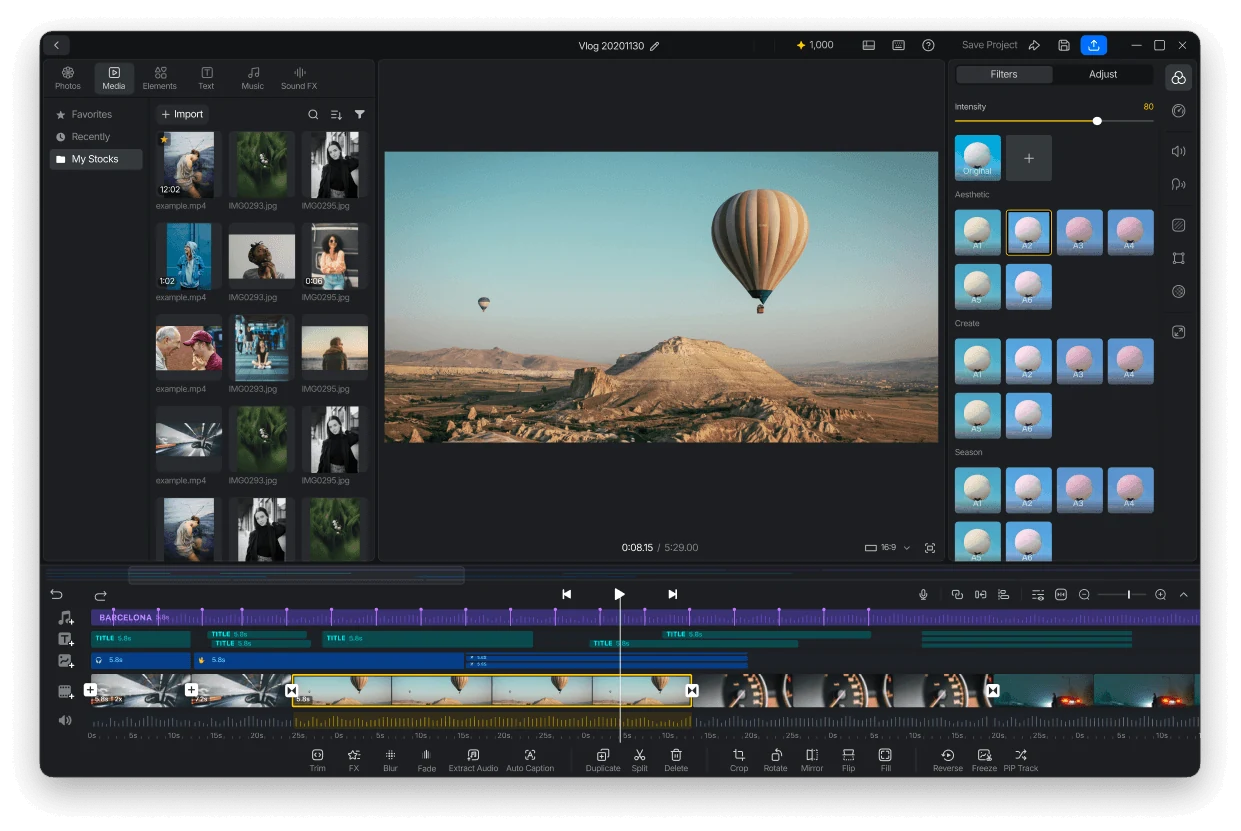
| Editing workflow | Multi-track timeline, keyframes, audio waveforms, color grading | Multi-track timeline, keyframes, speed curves, transitions, masks, filters, LUTs, stickers, and overlays |
| Local editing | Internet/Cloud connection required | Core edit, preview, and export works entirely locally; no online account or connection required |
| Music workflow | Larger built-in music selection and a trending-music tab | A substantial built-in collection, including many royalty-free tracks, plus easy import of your own music files |
| Account and project storage | Instagram account sign-in is required | Account sign-in optional and core features works entirely locally |
| Publishing | Direct publishing to Instagram/Reels | Export and share videos to any platforms |
| Export | 4K export | Watermark-free export, up to 4K/60 fps |
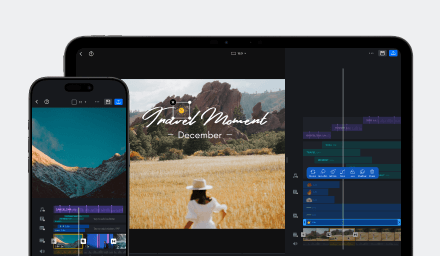
| Cross-device workflow | No seamless project handoff between mobile and desktop | Share editable project files across iOS, Android, macOS, and Windows |
Want to edit on the computer you already have, then share your video wherever you like? VN gives you that flexibility. Download VN for Windows or Mac and take a look at its editing tools.
Work across your devices
Edits only available on Mac computers with Apple silicon. That's fine if you are a Mac-based Instagram/Reels creator, but it leaves Windows users in search for a different desktop editor.
With VN, you can edit on Windows or Mac and share a project file with your iPhone, iPad, or Android device when you want to keep working there. The project travels with the media you choose to include, so you can pick up the edit on another supported device. It’s a simple file transfer that you control, not an automatic cloud sync. Get the details in VN Project Sharing, or download VN.
Keep editing local and in your control
One of VN’s biggest advantages is that you can get started without signing in. Your projects save on your device, and VN doesn’t automatically back them up or sync them to the cloud. Core editing happens locally, so you can import clips, make your edits, preview, and export without uploading your footage for processing. You can even keep working offline when your media and any resources you need are already on your device. See VN’s offline editing guide for details.
Online features and sharing may need an internet connection, but your everyday editing doesn’t depend on a cloud editor. You decide when to send a project or media anywhere.
Build layered edits with stickers
With VN’s multi-track timeline, you can layer video, audio, text, and overlays, then adjust each one on its own. Add stickers above your main footage, set how long they appear, and give them an entrance, exit, or loop animation. It’s an easy way to add labels, reactions, and personality without flattening the rest of your edit. Explore the multi-track timeline and stickers and animation.
Edits also has multi-track editing, keyframes, audio waveforms, and color tools, plus direct Instagram publishing. VN brings stickers and layered editing together with Windows and Mac support and local project storage.
Choose your music workflow
Edits puts a large music selection right in the app, with a trending tab to help you find popular tracks as you edit.
VN also has a sizeable built-in music collection, including many royalty-free tracks. You can also import your own music and add it to your project, whether it’s a track you’ve licensed or audio you created yourself. Check the music licensing details for any usage or credit requirements.
Both apps make it easy to add music while editing. Edits offers more tracks to browse in-app; VN combines its own music collection with the freedom to bring in the audio you want to use.
Choose VN for more room to create
Edits makes sense if you work on a Mac and want to publish Reels straight to Instagram. VN is a better fit if you want Windows and Mac support, local editing, stickers, a multi-track timeline, and the freedom to export for different platforms.
With VN, you can work on the computer you have, keep your projects on your device, and make the edit your own with layers, stickers, music, and more. Download VN and start creating.